How can I block a sender from messaging me again?
Open the conversation, tap the three dots on the top right, and choose “Block Contact.” You can unblock later anytime.
Cost: From $0.01/minute (varies by destination).
Multiple Countries: Supported in 190+ destinations.
Refunds: Within 7 days for unused balance.
Issues: Email support@callmama.com or visit Help.
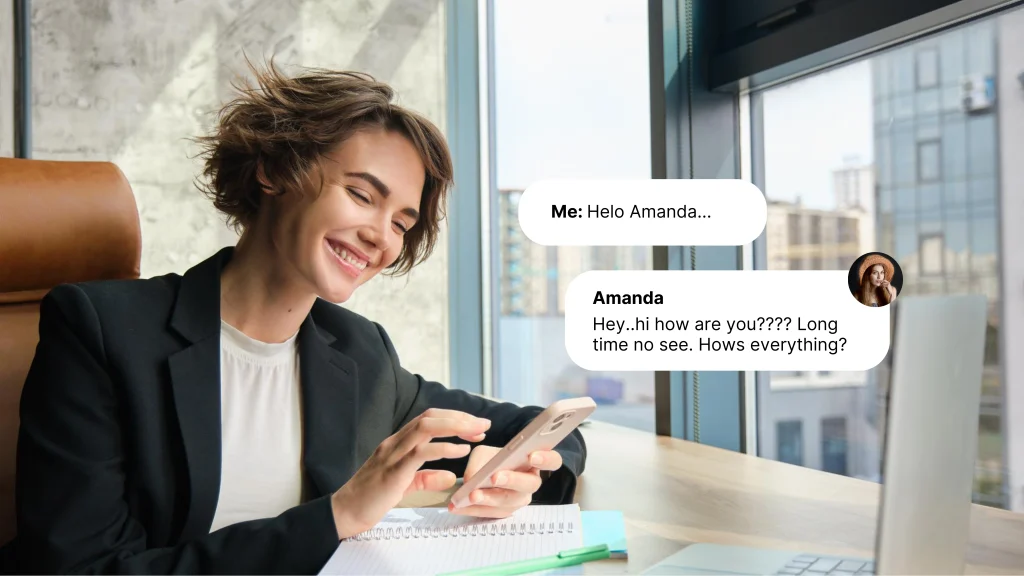
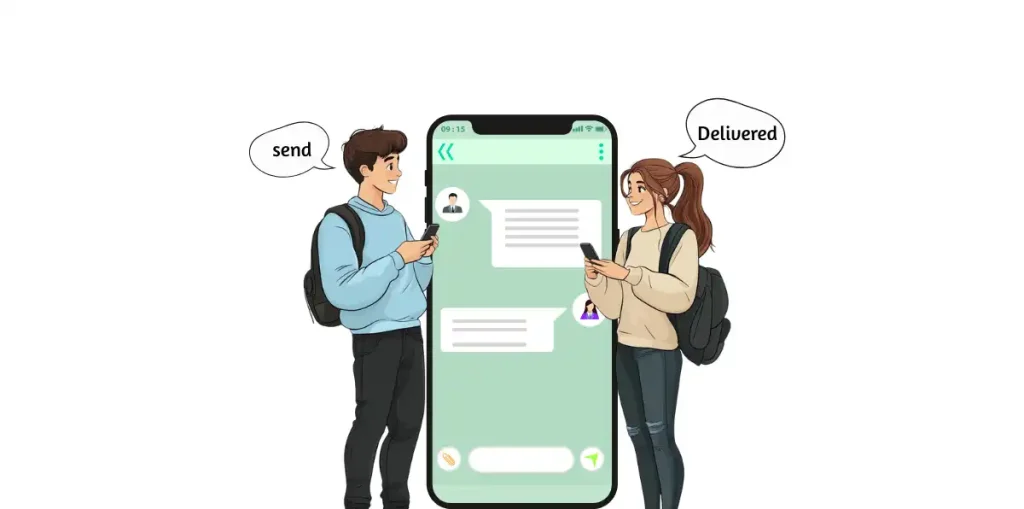
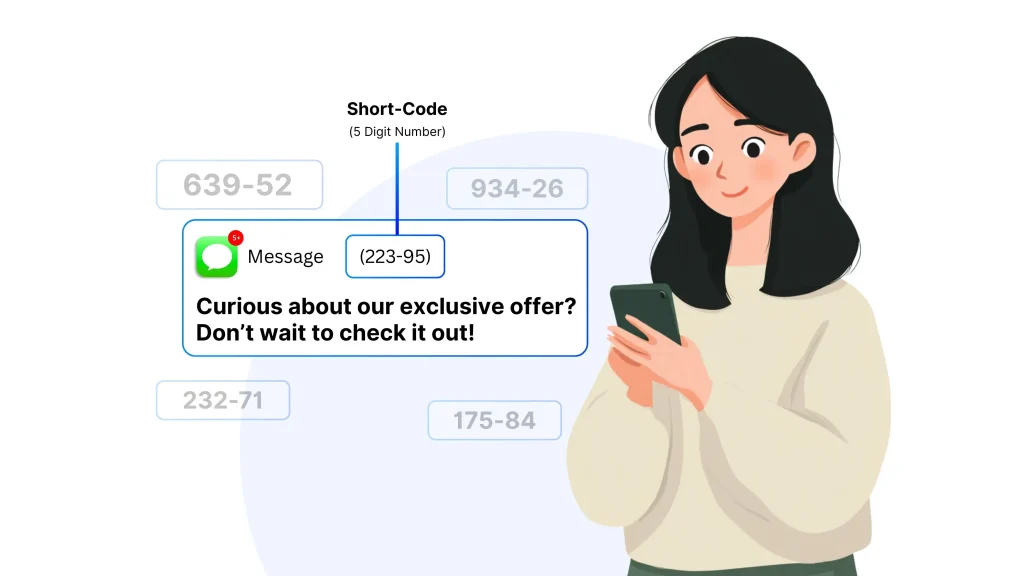
Complete your communication toolkit with CallMama’s fully functional SMS feature. Our application isn’t just for voice calls; it allows you to both send and receive text messages seamlessly. Use your virtual number to manage all your text-based conversations, making it a perfect tool for professional correspondence, receiving verification codes, or just casual chats.
Keep all your important interactions in one organized place. The CallMama app acts as a centralized hub for both your calls and texts, helping you stay on top of every conversation. Enjoy reliable and fast message delivery, ensuring you never miss an important update. It’s the ideal way to stay in touch through texting, all managed from a single, convenient platform.
Open the conversation, tap the three dots on the top right, and choose “Block Contact.” You can unblock later anytime.
That message means the recipient’s carrier is temporarily offline. Retry after a few minutes.
The recipient’s SIM might be inactive or disconnected. Verify their number before resending your message.
Auto-mute may be active in your settings or triggered by your phone’s proximity sensor. Disable it in app preferences and retry.
Download the Callmama App Now!
Local, mobile, and toll-free numbers available in 60+ countries worldwide.
Get connected with your friends and family, no matter where you are
Get connected with your friends and family, no matter where you are.