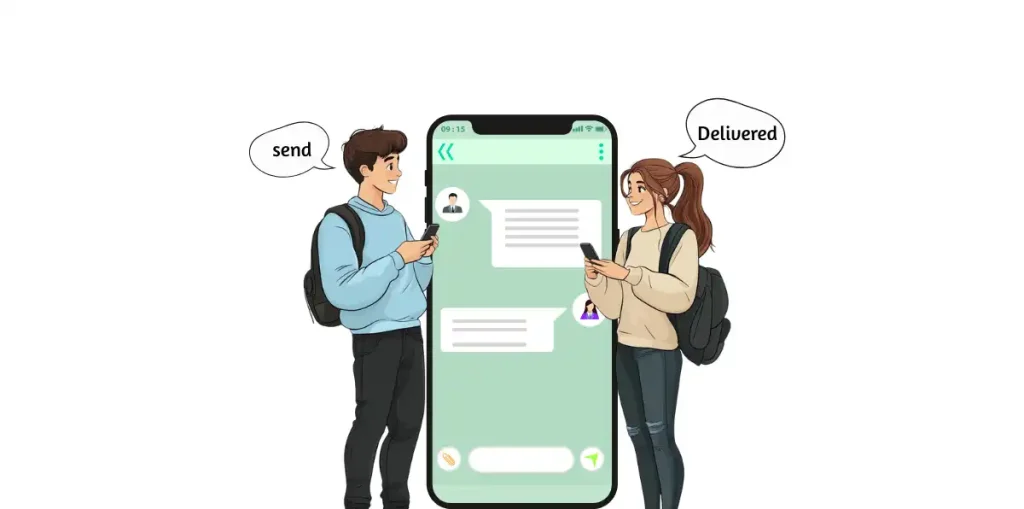
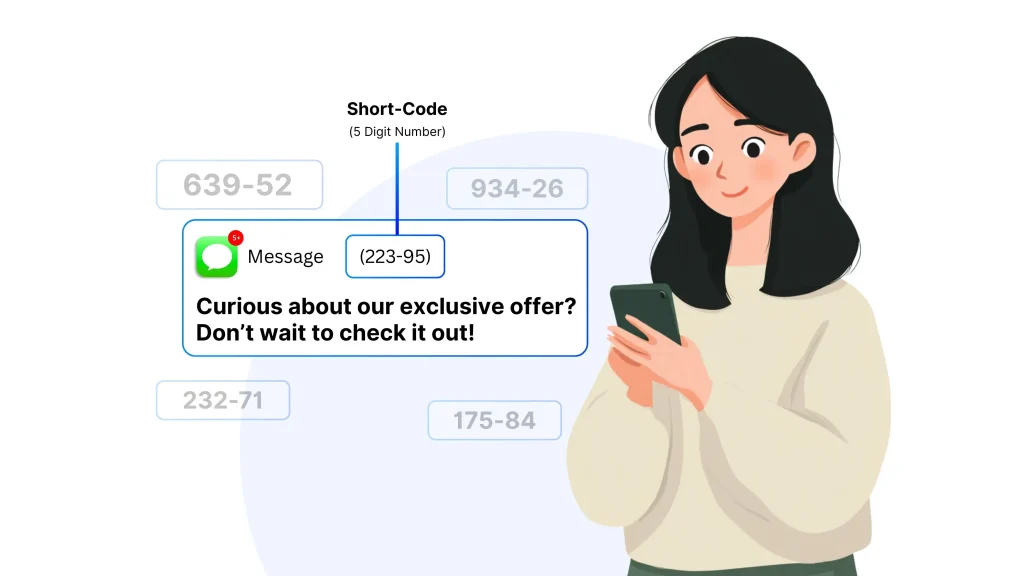
Try the following steps:
- Restart your device.
- Verify number format and balance.
- Clear app cache or reinstall to remove outdated routing files.




 United States
 United Kingdom
 Canada
 Australia
 India
India
 Germany
 France
 Italy
Italy
 Spain
Spain
 Japan
Japan
 South Africa
 Brazil
Alabama
Alaska
Arizona
Arkansas
California
Colorado
Connecticut
Delaware
Florida
Georgia
Hawaii
Idaho
Brazil
Alabama
Alaska
Arizona
Arkansas
California
Colorado
Connecticut
Delaware
Florida
Georgia
Hawaii
Idaho














 212 (New York)