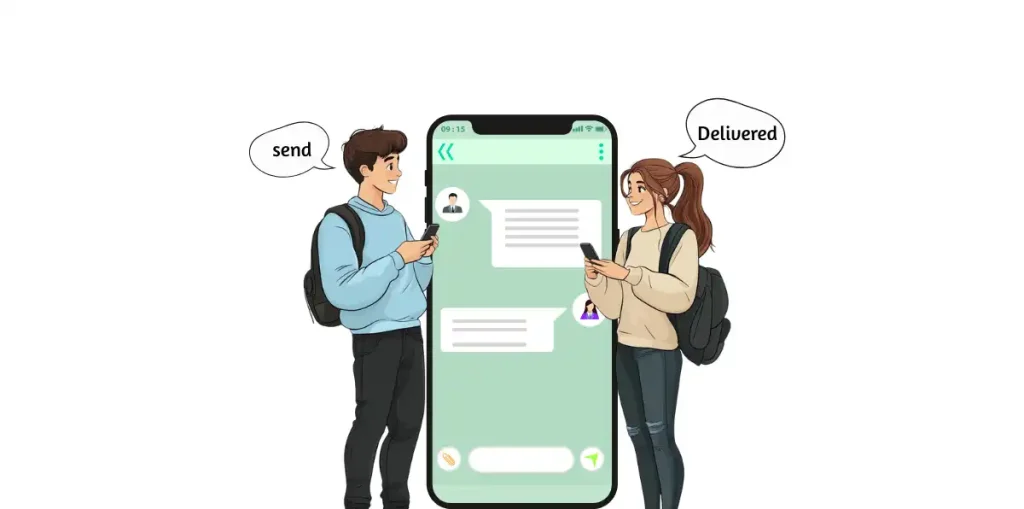
That message means the recipient’s carrier is temporarily offline. Retry after a few minutes.
Can I enable automatic top-up?
Yes, in Billing Settings, toggle “Auto-Recharge” and set your preferred threshold amount.


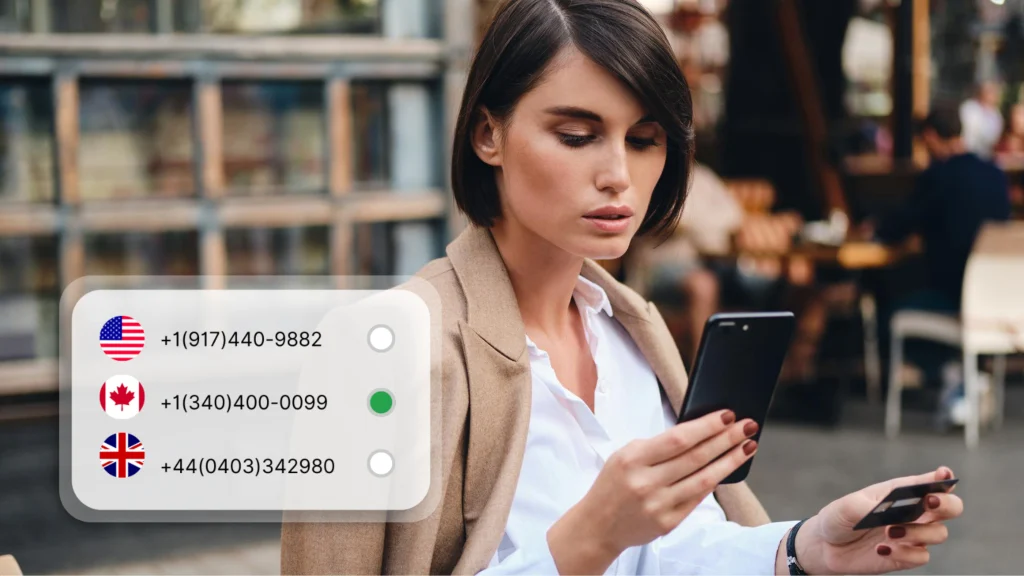


 United States
 United Kingdom
 Canada
 Australia
 Albania
 Germany
 France
 Italy
Italy
 Spain
Spain
 Japan
Japan
 South Africa
 Argentina
Alabama
Alaska
Arizona
Arkansas
California
Colorado
Connecticut
Delaware
Florida
Georgia
Hawaii
Idaho
Argentina
Alabama
Alaska
Arizona
Arkansas
California
Colorado
Connecticut
Delaware
Florida
Georgia
Hawaii
Idaho














 212 (New York)