Inactive balance or expired plan could be the reason. Check your subscription status and renew if necessary.
The call volume is too low.
Increase your in-call and system volume levels. If still low, plug in earphones for clearer output.
Inactive balance or expired plan could be the reason. Check your subscription status and renew if necessary.
Increase your in-call and system volume levels. If still low, plug in earphones for clearer output.
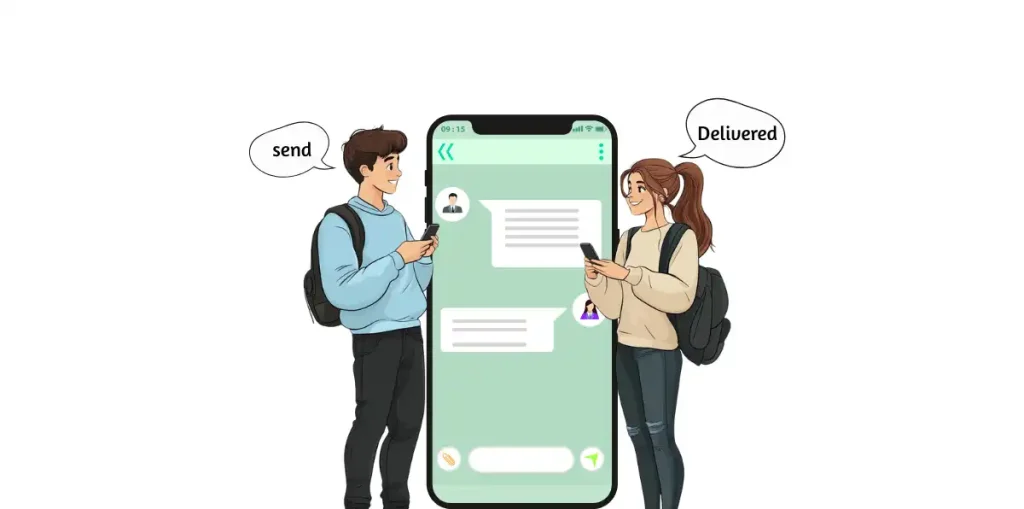
Duplicate messages can appear if your app fails to sync properly. Clear your cache or restart the app to remove duplicates.
This usually happens when your CallMama account is not verified. Go to Profile → Verify Email / Phone, complete verification, and restart the app.
Simply swipe down on the message list to force a refresh. It rechecks for new incoming messages from the server.
Was this helpful?
✅ Thank you for your feedback!
Download the Callmama App Now!
Local, mobile, and toll-free numbers available in 60+ countries worldwide.
Get connected with your friends and family, no matter where you are
Get connected with your friends and family, no matter where you are.