This can occur after an app update. Restart or reinstall the app — it will re-sync all features.
The international call button is greyed out.
This happens when your balance is zero or the feature isn’t activated. Add funds and refresh the app to unlock calling options.


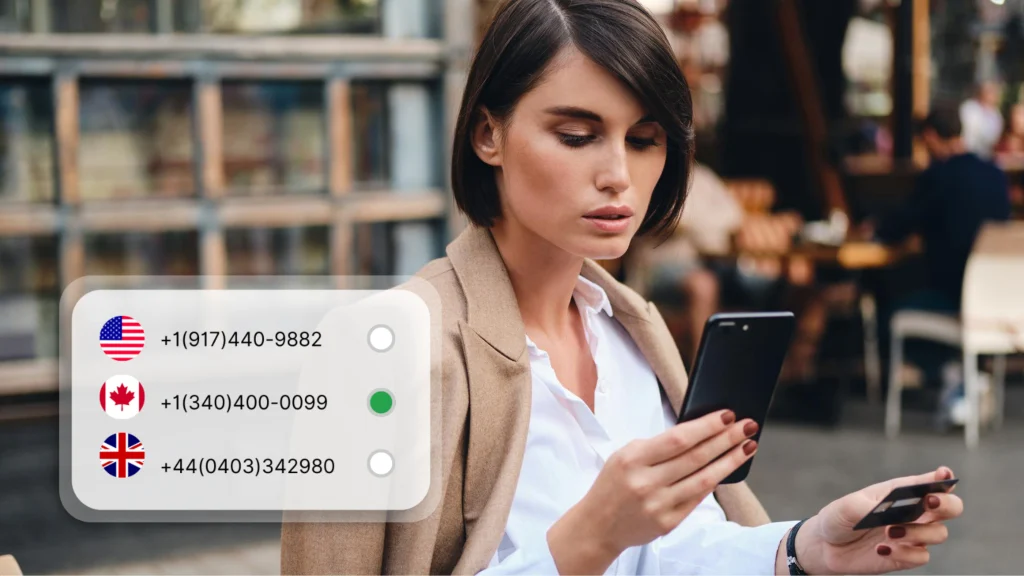








 United States
 United Kingdom
 Canada
 Australia
 Albania
 Germany
 France
 Italy
Italy
 Spain
Spain
 Japan
Japan
 South Africa
 Argentina
 212 (New York)