
Key Takeaways
- The best apps for international calling start near $0.0035 per minute to real phone numbers, while carrier roaming often runs $1 to $3 per minute.
- Skype closed on 5 May 2025, so any roundup that still ranks it is out of date.
- Free apps such as WhatsApp only work when your contact installs the same app and has a live data connection.
- Only a few apps pair cheap international calls with a virtual local number under one account.
The best apps for international calling can turn a $60 roaming bill into a few dollars a month. This guide ranks the best apps for international calling in 2026 on the four things that decide your real cost: per-minute rates, whether you can dial ordinary phone numbers, call quality, and what comes included. You will get current rates, the honest limits of each option, and a clear pick for family calls, business use, or reaching someone with no internet. One name in almost every older roundup shut down in 2025, so some advice still circulating is simply wrong.
What to Look for in a Calling App
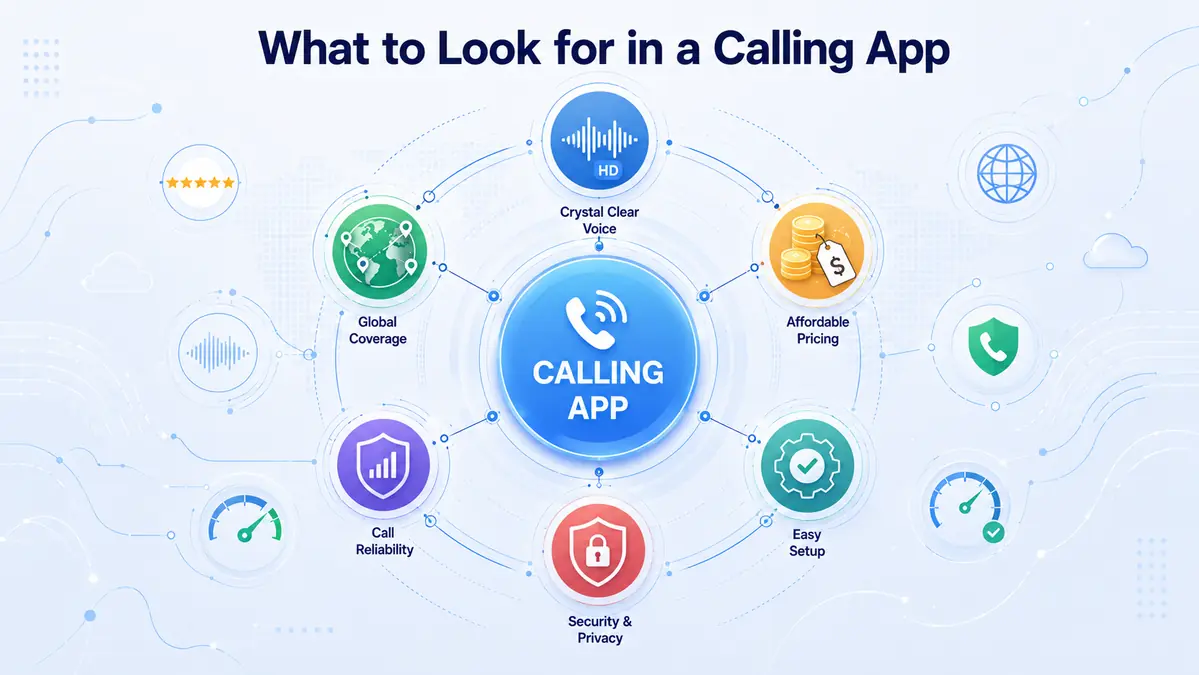
The best apps for international calling all pass four tests, and weaker ones fail at least one. Check each before you top up credit.
- Rate to your countries — a headline price means nothing if your destination is not on the cheap list
- Can it dial real numbers? — app-to-app calling is free but useless for landlines, businesses and older phones
- Billing increments and fees — per-second billing beats per-minute rounding, and connection fees quietly add up
- Included extras — a virtual number, two-way SMS, voicemail and call forwarding save paying for a second service
If you call one or two countries, compare only those destinations. If you call many, look for flat low pricing across the board. The best apps for international calling publish a per-country rate table before you hand over any money — treat a missing rate table as a warning sign.
Top Apps for International Calling in 2026
These six are the best apps for international calling for most people, covering free family chats through to cheap international calls to a rural landline. Each entry lists what it does best and how it charges.
1. CallMama — best overall for rates plus virtual numbers
Key feature: low per-minute calling to real numbers in 200+ countries, combined with virtual numbers from 65+ countries in one account. Price model: pay-as-you-go credit, no subscription.
Rates start near $0.0035 per minute to India, Pakistan and Bangladesh, and incoming calls are free once a virtual number is active. Two-way SMS, voicemail, call recording and call forwarding are included, not sold as add-ons. If you regularly dial one country, the destination-specific India dialing guide shows how the codes and costs work in practice.
2. WhatsApp — best free app-to-app option
Key feature: free voice and video calls between users, with end-to-end encryption. Price model: free over WiFi or data.
With more than two billion users, it is often the simplest choice for family abroad. The catch is firm: unlike most of the best apps for international calling, it cannot ring a landline, a business line, or anyone without the app installed and online.
3. Rebtel — best for unlimited country plans
Key feature: flat monthly plans for unlimited calling to a single country. Price model: subscription per country, or pay-as-you-go.
If you call the same destination several times a week, a flat plan beats metered pricing. It also routes calls through local access numbers, which helps on weak connections.
4. Talk360 — best when the other person has no internet
Key feature: calls to any mobile or landline worldwide, with no app needed on the receiving end. Price model: pay-as-you-go credit.
Plenty of parents and grandparents still use a basic handset, and Talk360 is built for exactly that case.
5. Viber Out — best for Eastern Europe
Key feature: a large regional user base plus paid calls to real numbers. Price model: credit or country subscriptions.
Viber is entrenched in Eastern Europe and parts of Asia. Viber-to-Viber calls are free, though Viber Out rates sit above the cheapest options and there is no virtual number.
6. Google Voice — best for a free US number
Key feature: a free US number with unlimited US calling. Price model: free domestically, metered internationally.
The blocker is eligibility: you need a US-based Google account, which rules out most people abroad. A side-by-side app comparison shows how these feature sets differ once you need more than US calling.
📱 Found your country on the cheap list? Lock in the rate today.
Call 200+ countries from $0.0035/min with no subscription, and add a virtual local number in the same account. Free on iOS and Android.
Side-by-Side Comparison of the Best Apps for International Calling
| App | From | Calls Real Numbers | Virtual Number | Best For |
|---|---|---|---|---|
| CallMama | $0.0035/min | ✓ Yes | ✓ 65+ countries | Lowest rates plus a local number |
| Free* | ✗ App only | ✗ No | Family who already use it | |
| Rebtel | $0.012/min | ✓ Yes | ✗ No | One country, called often |
| Talk360 | Varies | ✓ Yes | ✗ No | Contacts with no internet |
| Viber Out | $0.01/min | ✓ Yes | ✗ No | Eastern Europe and Asia |
| Google Voice | Free (US) | ✓ Yes | ✓ US only | US-based users |
* Free when the recipient also has the app and an active internet connection.
What Happened to Skype, and What to Use Instead
Microsoft retired Skype on 5 May 2025 after almost 22 years, moving consumer accounts to the free version of Teams. Any list of the best apps for international calling that still ranks Skype was written before that date and should not guide your decision.
Teams inherits chat and meetings, but it is built for workplaces, not for dialing a landline abroad. If you used Skype Credit, a pay-as-you-go calling app is the direct replacement; if you used a Skype Number, a virtual number is the equivalent.
Hidden Costs That Make Cheap Apps Expensive
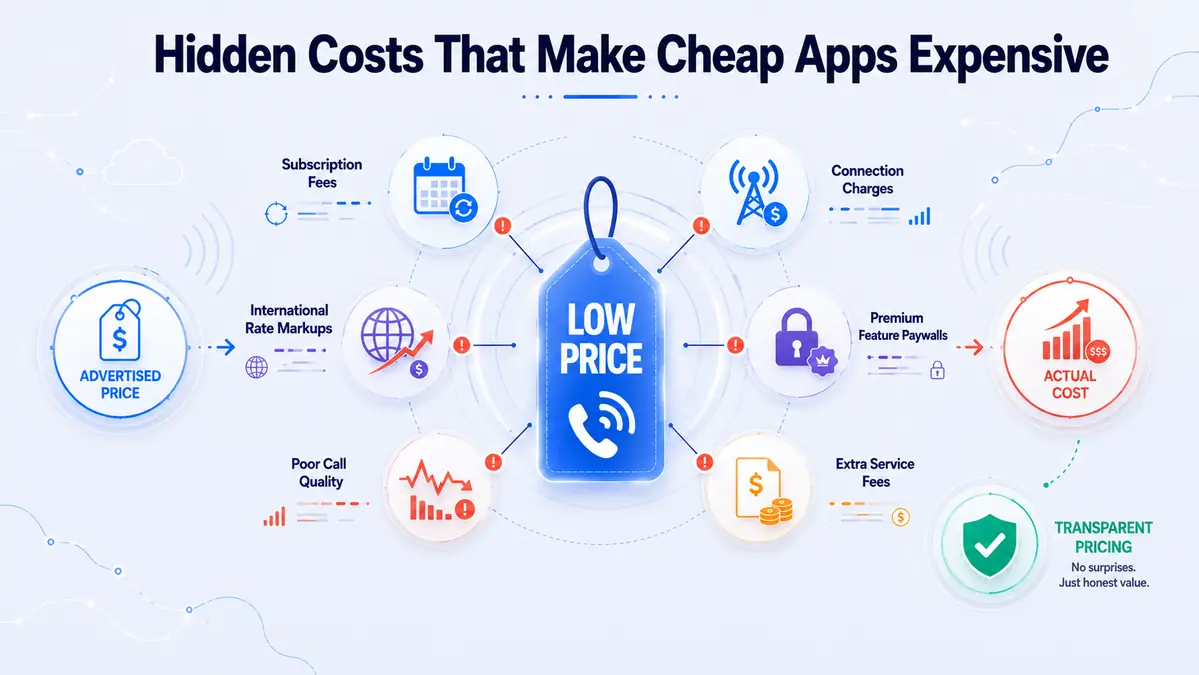
Advertised rates rarely tell the whole story, and this is where cheap international calls stop being cheap. Even the best apps for international calling can surprise you here. Three charges do most of the damage.
- Connection fees — a fixed charge on every call, which punishes short calls hardest
- Minute rounding — billing in full-minute blocks means a 65-second call costs two minutes
- Credit expiry and inactivity fees — unused balance quietly drains, or expires outright
Mobile rates also run well above landline rates in many countries, so one headline figure can hide a much higher real price. Regulators publish plain-language explainers on how internet calling is billed; the FCC guidelines are a solid starting point for US callers.
How to Get a Virtual Phone Number from CallMama
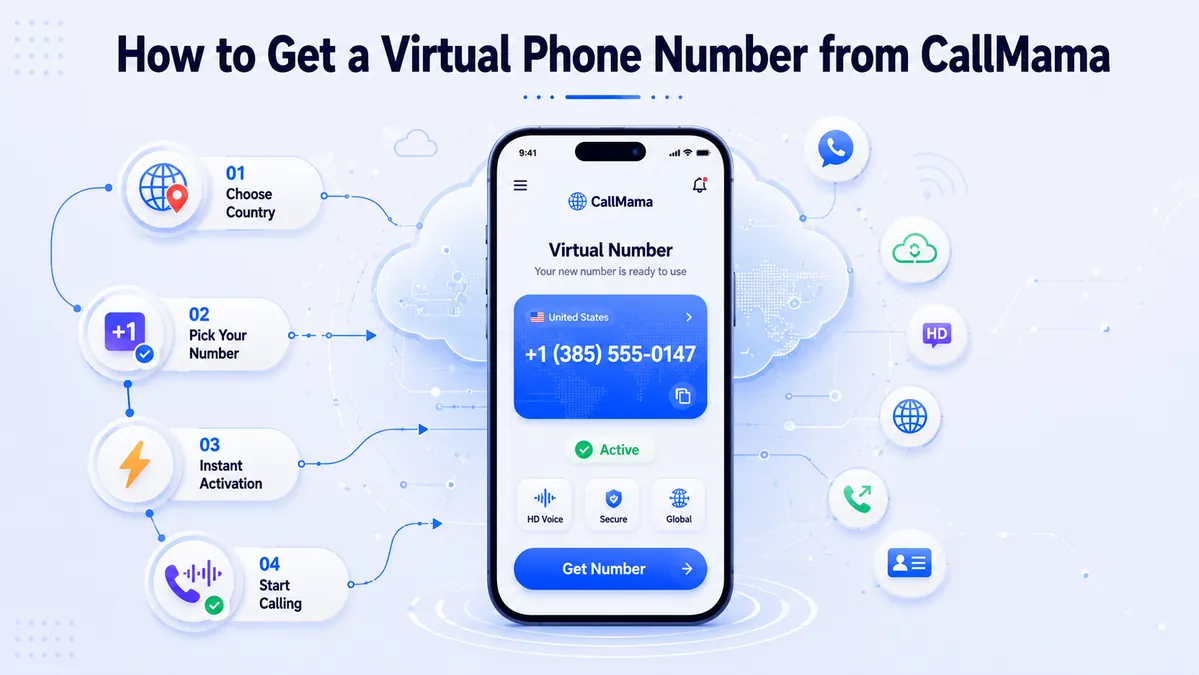
A virtual number gives you a local line in another country without a SIM card, a local address or a contract, so friends and clients abroad reach you at domestic rates. CallMama covers 65+ countries and keeps calling and numbers in one account, which suits people who call abroad often and need to be called back.
- Download the app — get it from the App Store or Google Play, or open the web app in any browser.
- Create a free account — an email address is enough, with no documents or credit check.
- Choose a plan — pick pay-as-you-go credit or a monthly plan, depending on how often you call.
- Select your number — choose the country and area code you want from the available pool.
- Pay and activate — activation usually finishes in about a minute, and the number works immediately.
- Set up forwarding and voicemail — send calls to another line and switch on voicemail or SMS.
- Start calling — dial out at your plan rate and take incoming calls free.
Which App Should You Choose?
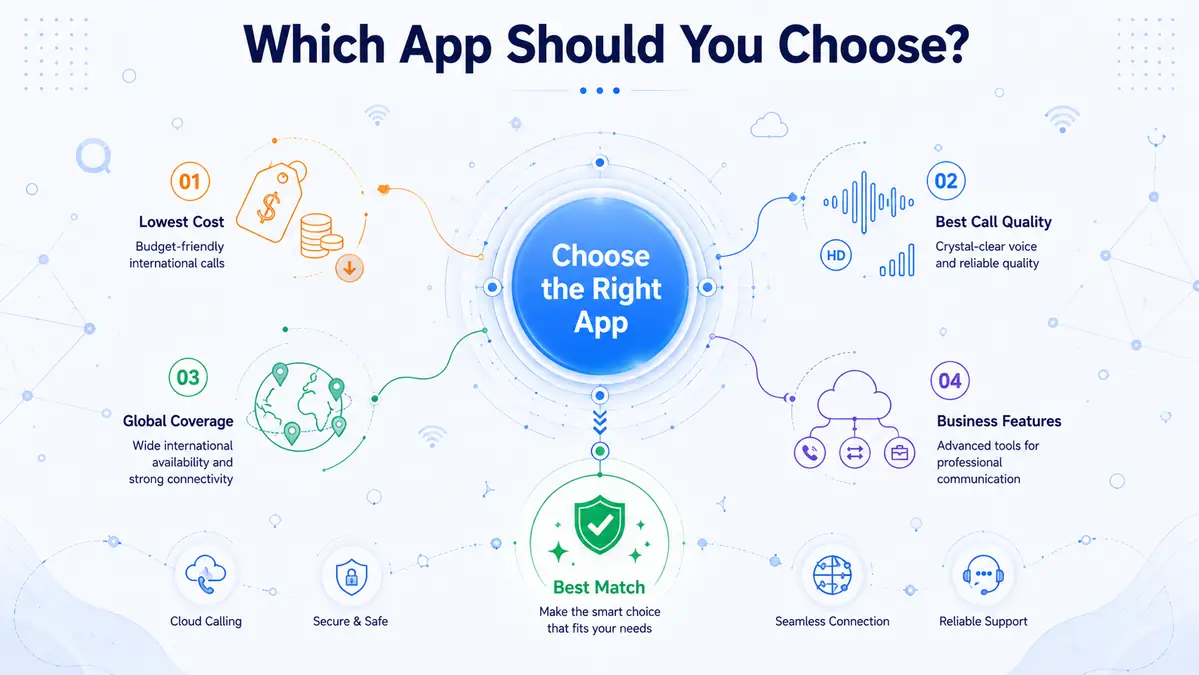
Pick by who you call, not by which brand you recognise. For family already on WhatsApp, it is free and impossible to beat. For everyone else — landlines, businesses, older handsets — you need an app that reaches the real phone network, and that is where cheap international calls are won or lost.
If you call one country constantly, price a flat monthly plan against metered rates before you commit. If you call several countries, or need people to call you back on a local number, an all-in-one app wins on total cost. Among the best apps for international calling in 2026, the combination of sub-cent rates, 65+ virtual number countries and free incoming calls is what separates the top pick from the rest.
Final Thoughts
Choosing between the best apps for international calling comes down to four questions: which countries you dial, whether the other person has the app, how you are billed, and what extras you need. Free app-to-app services handle the easy half of that list and nothing beyond it. Pay-as-you-go apps reach any phone on earth, usually for less than a cent a minute to popular destinations. Knowing which group your calls fall into settles the decision faster than any feature list.
The market shifted in 2025 when Skype closed, and the apps that replaced it compete far harder on price than the old guard ever did. That is good news if you have not reviewed your setup in a year or two. Check your last phone bill, compare it against the per-minute rate to the country you call most, and the gap will usually make the decision for you. Cheap international calls are now the default rather than the exception, and the best apps for international calling make switching a five-minute job.
👉 Get a local number abroad — and stop paying roaming rates
Create a free CallMama account, pick your country and area code, and activate a virtual number in about a minute. Incoming calls are free.