Quick Answer
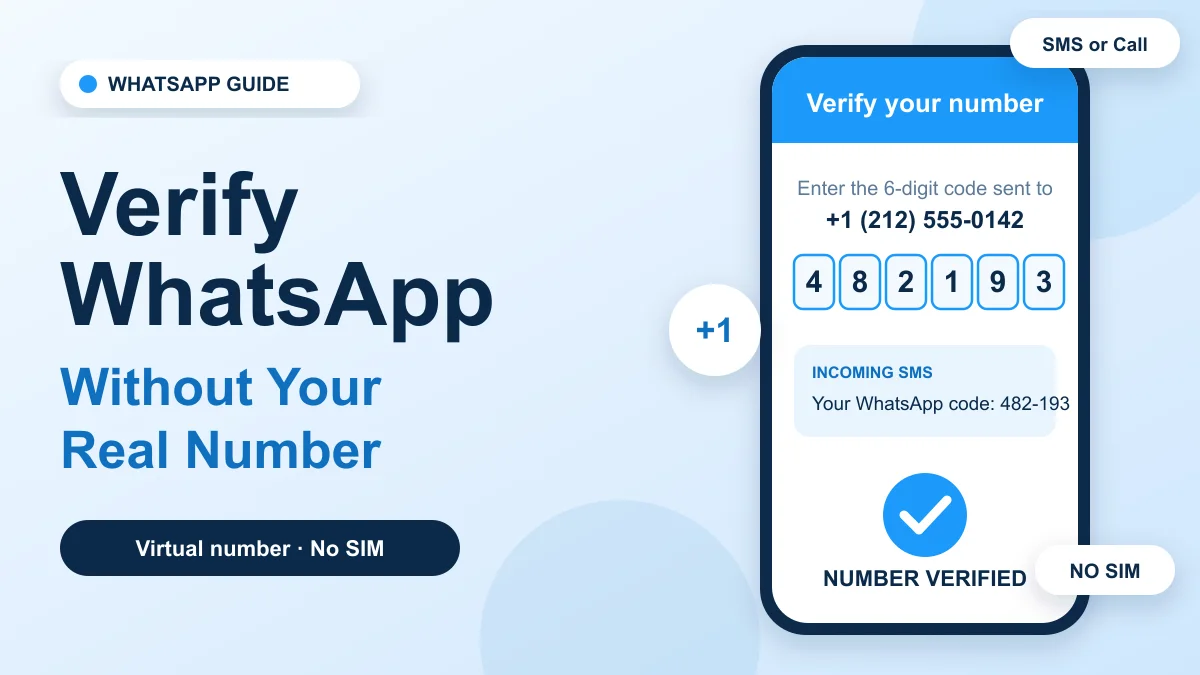
You can verify WhatsApp without your real phone number by registering a virtual number instead. Get a number that can receive SMS and calls, enter it in WhatsApp, then type the six-digit code that arrives in the number's app. No SIM card is needed, and your personal number stays private.
WhatsApp does not publish which numbers it accepts, so no method is guaranteed. Test the number first and keep reading for the exact steps and what to do if something goes wrong.
Key Takeaways:
- WhatsApp always needs a phone number, but it does not have to be your personal SIM number.
- A virtual number that receives SMS, and ideally calls, can complete verification.
- If the SMS is late, WhatsApp can read the code aloud in a voice call (Call me).
- Turn on two-step verification and keep the number active so nobody else can take over the account.
- Avoid free shared numbers: strangers can see your code.
Why WhatsApp Needs a Phone Number
WhatsApp ties each account to one phone number. When you register, it sends a six-digit code to that number to prove you control it. There are two delivery routes:
- SMS code: a text message sent to the number you entered.
- Voice call: after a short timer, WhatsApp can call the number and read the code aloud. This is also how landlines are verified.
That means WhatsApp does not care whether the number sits in a SIM card. It cares that the number can receive the code. A virtual number does exactly that, inside an app.
Step-by-Step: Verify WhatsApp Without Your Real Number
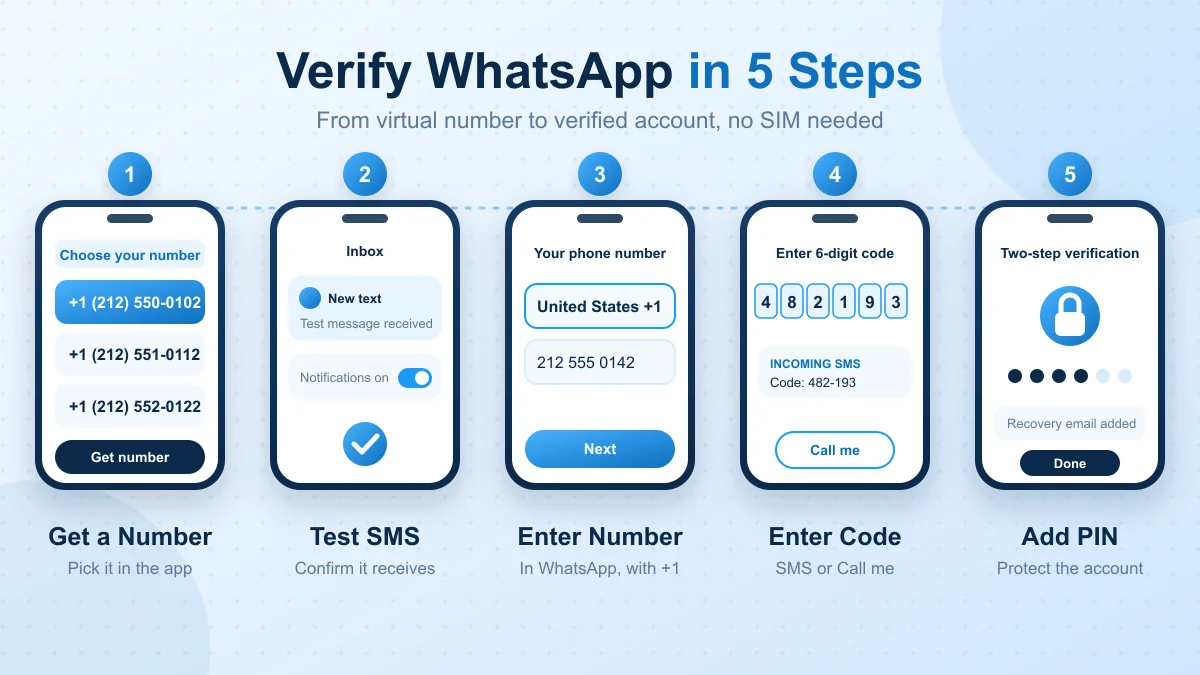
Get a Virtual Number
Download the CallMama app, create an account and pick a virtual phone number. US numbers are the most common choice. Check the app for the current price and what each number includes.
Test That It Receives SMS
Text your new number from another phone and confirm the message appears. Turn on app notifications so you see the WhatsApp code the moment it arrives.
Open WhatsApp or WhatsApp Business
To keep your own account on your own number, use WhatsApp Business as a second app, or a second phone or tablet. One number can only hold one account at a time.
Enter the Virtual Number
Choose the right country (for a US number, United States, +1) and type the number with no extra leading 0. See US phone number formats if you are unsure.
Read the Six-Digit Code
Open the CallMama inbox and copy the code from the WhatsApp text. If the SMS does not arrive before the timer ends, tap Call me and answer the call in the app to hear the code.
Type the Code Into WhatsApp
Enter the six digits. WhatsApp confirms the number and moves on to your profile.
Turn On Two-Step Verification
Go to Settings, Account, Two-step verification, and set a PIN and recovery email. This protects the account if the number is ever lost or reassigned.
For more on the number side of this, read our full guide to a virtual number for WhatsApp.
Your Options Compared
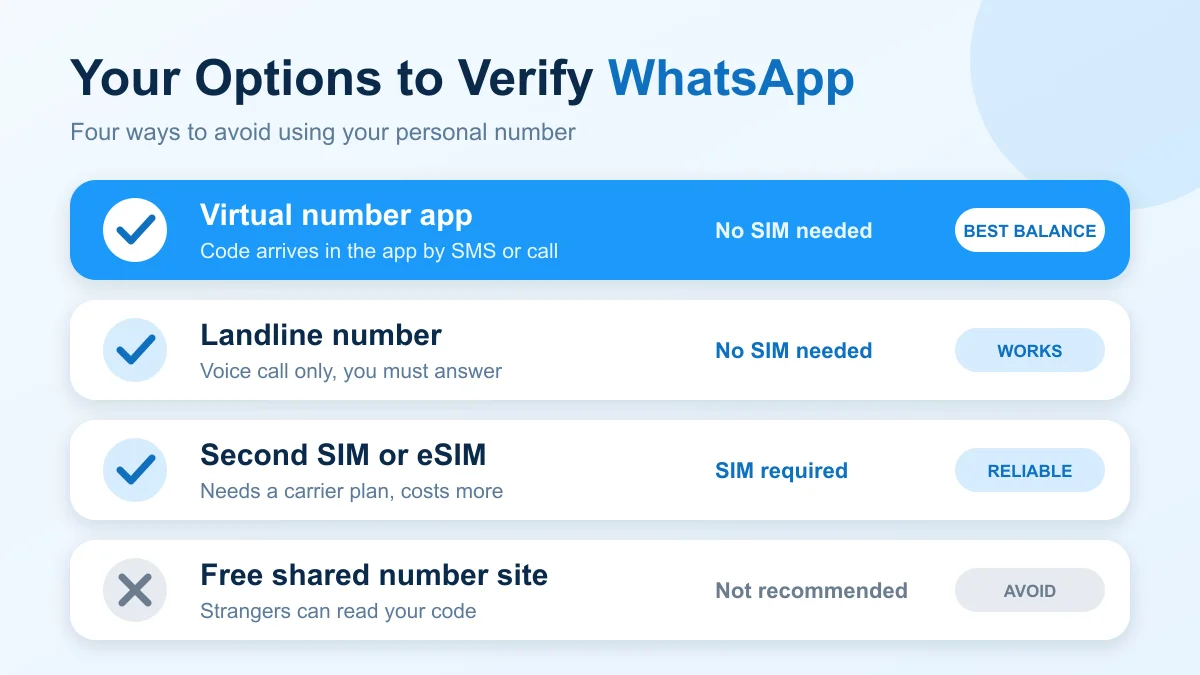
A virtual number is not the only way to avoid using your personal number. Here is how the main options differ.
| Option | Needs a SIM? | Things to know |
|---|---|---|
| Virtual number app | No | Code arrives in the provider app by SMS or call. Keep it active to keep the account. WhatsApp may not accept every number. |
| Landline number | No | Verifies through the voice-call option only. Works if you can answer the call. |
| Second SIM or eSIM | Yes | Reliable, but you pay a carrier plan and the number is tied to a carrier. |
| Free shared number sites | No | Not recommended. Strangers can see your code and take the account. |
For most people who want privacy or a second account without a second SIM, a private virtual number is the simplest balance of cost and control. See the CallMama features for what each number includes.
If the Code Does Not Arrive
- Check the number you typed. A wrong country code or an extra leading 0 is the most common cause.
- Wait for the timer. Requesting codes repeatedly can trigger a waiting period.
- Tap Call me. The voice call reads the code aloud; answer it in the provider app.
- Check notifications. Make sure the provider app is allowed to alert you and is not limited by battery saver.
- Switch networks. Try Wi-Fi instead of mobile data, or the reverse.
- Try a different number. WhatsApp may not accept some numbers. Ask CallMama support about another number or area code.
WhatsApp's own Help Center covers registration problems in more detail.
Need a number to verify WhatsApp?
Get a CallMama virtual number with two-way SMS, test it, and register WhatsApp without your personal SIM.
Keeping the Account Safe
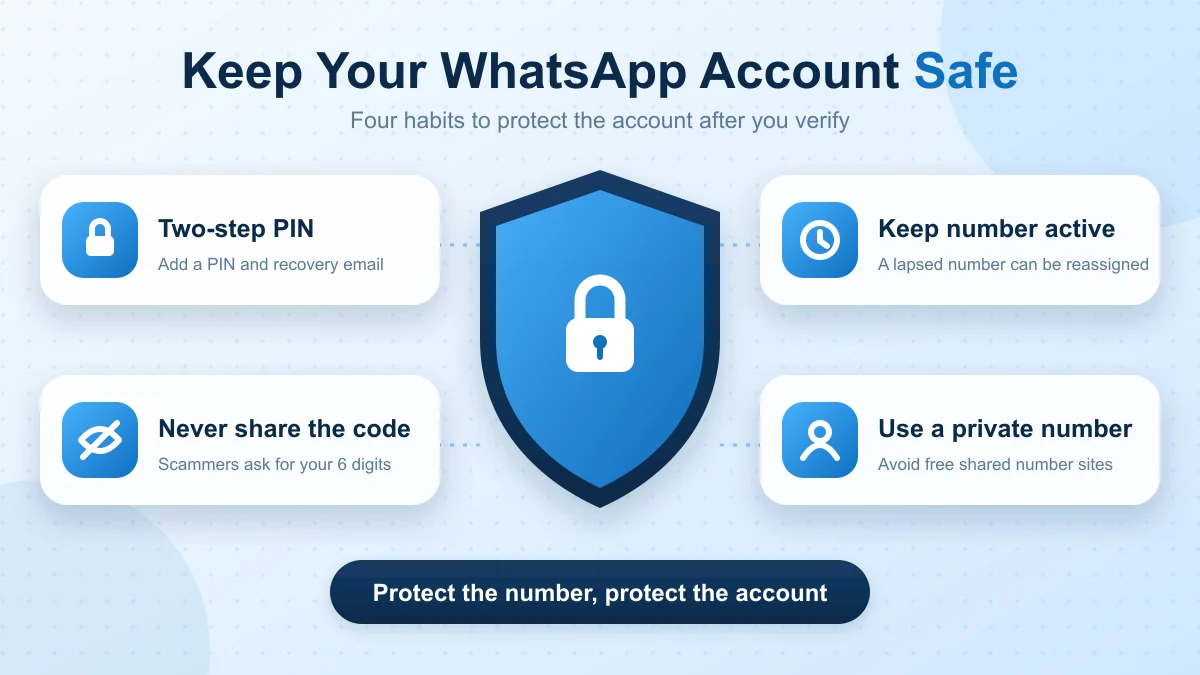
- Turn on two-step verification with a PIN and recovery email.
- Keep paying for the number. If it lapses, another customer could receive it and register WhatsApp on it.
- Never share your six-digit code. Scammers pose as friends or WhatsApp to get it.
- Use the account honestly. Spam, fraud and impersonation get accounts restricted whatever the number type. See the WhatsApp Terms of Service.
Common Mistakes to Avoid
- Using a free shared number. Anyone can read your code. Read why in our guide to receiving SMS online.
- Registering before testing. Confirm the number receives an ordinary text first.
- Moving your only account. If you need your personal chats, use WhatsApp Business or a second device for the virtual number.
- Skipping two-step verification. Without it, losing the number can mean losing the account.
- Choosing a toll-free number. Normal geographic numbers are generally safer for registration.
Conclusion
You cannot use WhatsApp with no number at all, but you can verify WhatsApp without your real phone number. Get a private virtual number that receives SMS and calls, test it, enter it with the right country code, use Call me if the text is late, and switch on two-step verification. No provider can promise WhatsApp will accept every number, so choose one with a fair cancellation policy.
Keep your real number private
A virtual number you can call and text from anywhere, with no SIM required.