A virtual number for WhatsApp lets you activate the app with no SIM card, no second phone, and no exposure of your personal number. If you need a virtual number for WhatsApp that clears verification on the first SMS — instead of getting stuck or banned like free numbers do — this guide is built for you. You will learn how the numbers work, why first-attempt SMS delivery matters most, exactly what one costs, and how to activate yours in minutes. Follow along and you will have a clean, verified WhatsApp line before you finish reading.
Key Takeaways
- A virtual number for WhatsApp activates the app with no SIM card, using an SMS code sent to your app inbox.
- Real, mobile-tagged numbers pass verification on the first attempt; free VoIP numbers often fail or get banned within hours.
- A paid number is dedicated to you, so it is never pre-registered or shared — the key to reliable activation.
- One virtual number can run a second personal account or a WhatsApp Business profile, fully separate from your main SIM.
What a Virtual Number for WhatsApp Actually Is
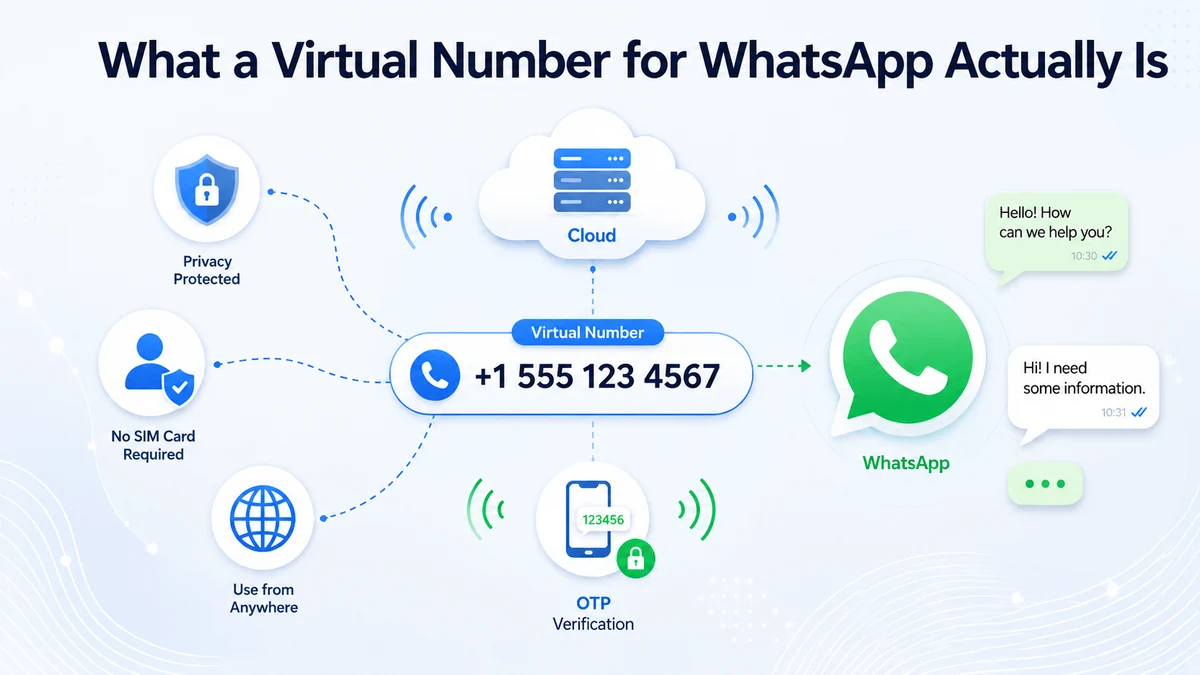
A virtual number for WhatsApp is a genuine phone number that runs over the internet rather than through a physical SIM card. It can send and receive calls and texts like any number, which is exactly why WhatsApp accepts it: the app just needs a line that can receive its verification SMS.
WhatsApp ties your identity to a phone number and shows that number to anyone who has it saved. A virtual line lets you keep your real number off that list — useful when you use the number for work, selling online, or dating, where you would rather not hand strangers your personal digits.
Because the number lives in an app, it works from any device with internet — a phone with no SIM, a tablet, or a laptop. That flexibility is why expats, travelers, and remote teams rely on virtual numbers to stay on WhatsApp across borders.
Why the First-Attempt SMS Is Everything
Here is the detail most guides gloss over: not every virtual number receives WhatsApp's code. WhatsApp checks how a number is classified. A real, mobile-tagged number on a Tier-1 route receives the six-digit SMS on the first attempt, usually in under a minute.
Free and low-cost VoIP numbers are the opposite. WhatsApp often flags them, so the code never arrives, or the account gets banned within hours of activation. That is why a WhatsApp verification number from a proper provider succeeds where free options waste your time and lock you out.
First-attempt delivery is not just convenience. Each failed try makes WhatsApp more cautious about the number, so a clean first activation protects the account's long-term standing. Getting it right once beats fighting a flagged number for days.
You can check a number's type before you commit. Reputable providers list whether a line is mobile-tagged, and that single label predicts whether your virtual number for WhatsApp will pass. If a service will not tell you the number type, treat that silence as a warning sign and move on.
How to Verify WhatsApp With a Virtual Number
Activating WhatsApp with a virtual number for WhatsApp takes four simple steps once your number is active:
Get and Activate Your Virtual Number
Choose your number in the app so it is live and ready to receive an SMS.
Enter It on WhatsApp's Registration Screen
Open WhatsApp, pick the country, and type your virtual number exactly as shown.
Copy the Six-Digit Code
WhatsApp texts a code that lands in your virtual number's SMS inbox within a minute.
Paste It and Finish Setup
Enter the code in WhatsApp, add your name and photo, and your account is live.
Skip the failed codes — get a number that verifies WhatsApp on the first try.
Activate a real mobile-tagged virtual number in minutes and clear WhatsApp verification cleanly.
Free vs. Paid Numbers: What Actually Works
Free "WhatsApp numbers" are tempting, but they fail for predictable reasons. Public numbers are shared across thousands of users, often already registered on WhatsApp, and flagged as VoIP — the exact profile WhatsApp blocks. A paid line avoids every one of those traps.
| Factor | Free Public Number | Paid Virtual Number |
|---|---|---|
| First-try SMS | Often fails | Lands in under a minute |
| Dedicated to you | No — shared | Yes — yours alone |
| Ban risk | High, within hours | Low with a real number |
| Privacy | Anyone can read codes | Private inbox |
| Keeps the number | No, recycled | Yes, as long as you pay |
The pattern is clear: a virtual number for WhatsApp you control is the only reliable path. A US number is a strong default, since a US number is trusted worldwide and routes SMS cleanly on Tier-1 carriers.
What a WhatsApp Virtual Number Costs
Pricing is refreshingly low for something so useful. Most reliable providers charge a small monthly fee, and disposable one-time verification codes cost only cents — though those are best avoided if you want to keep the account long term.
| Option | Typical Cost | Best For |
|---|---|---|
| One-time code | $0.05–$0.50 | A single throwaway verification |
| Monthly virtual number | $1–$5 / month | An account you keep and use daily |
| Pay-as-you-go plan | Small per-use fee | Occasional calls and texts |
For a number you plan to keep, a monthly plan is the safer buy — it stays dedicated to you, so WhatsApp never treats it as recycled. A few dollars a month protects an account you may rely on for years.
Who Uses a Virtual Number for WhatsApp
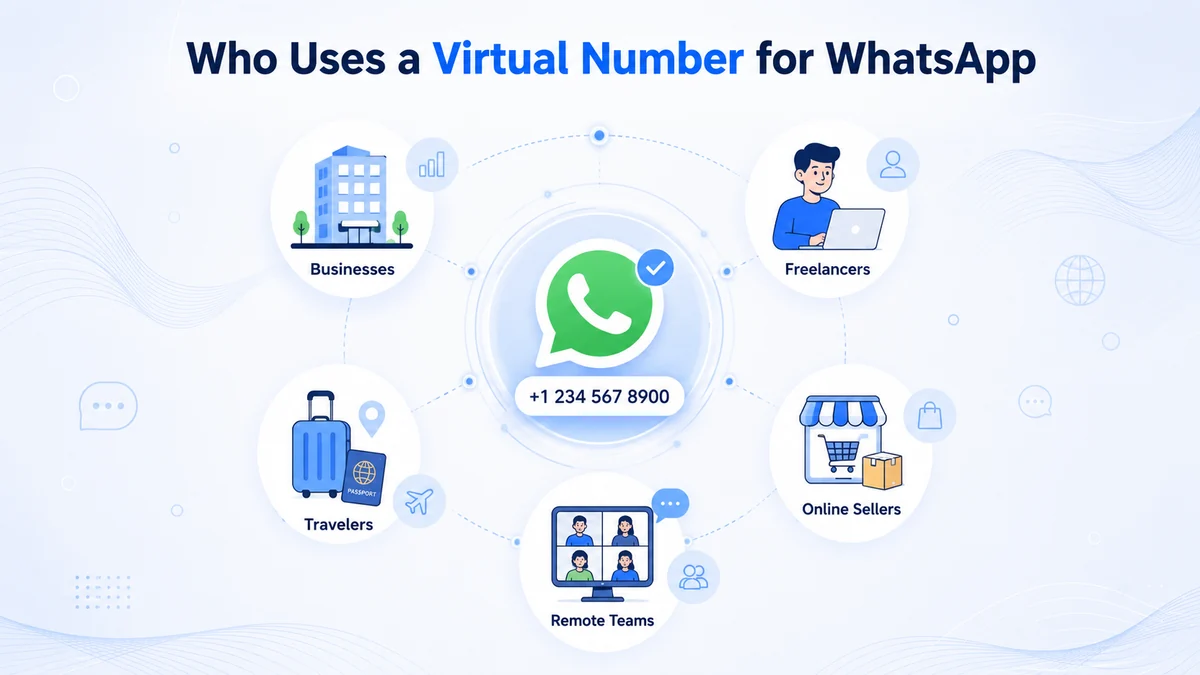
The demand is broad and steady. Expats keep a home-country virtual number for WhatsApp so family can reach them without international charges. Marketers and small businesses run WhatsApp Business on a dedicated line, keeping the owner's personal number private.
Others simply want separation. Online sellers, freelancers, and daters use a second number to talk to strangers without exposing their real one — the same privacy logic behind hiding your caller ID, which we cover in our *67 guide. One number, one clean boundary between public and private life.
Content creators and community managers lean on the same trick. A public-facing virtual number for WhatsApp lets fans and clients message a brand line while the person behind it stays anonymous. When a project ends, you simply retire the number and the exposure ends with it — a clean break no personal SIM can offer.
How to Get a Virtual Phone Number from CallMama
CallMama provides real virtual numbers that receive WhatsApp's verification SMS reliably, with no SIM card, contract, or hardware required. You pick your country and number, and it activates in minutes — ready to verify a second, business, or private WhatsApp account.
Visit the Website or Download the App
Go to callmama.com or get the app from the App Store or Google Play.
Create Your Free Account
Register with your email address — it takes under a minute.
Choose Your Plan
Pick monthly or pay-as-you-go pricing that fits how you use WhatsApp.
Select Your Virtual Number
Choose your preferred country and area code — a US number works worldwide.
Activate Instantly
Complete payment and your number goes live immediately, ready for verification.
Configure SMS and Forwarding
Set up your SMS inbox, call forwarding, and voicemail in the app.
Verify WhatsApp Right Away
Enter the number in WhatsApp, copy the code from your inbox, and you are live.
Staying Safe and Avoiding Bans
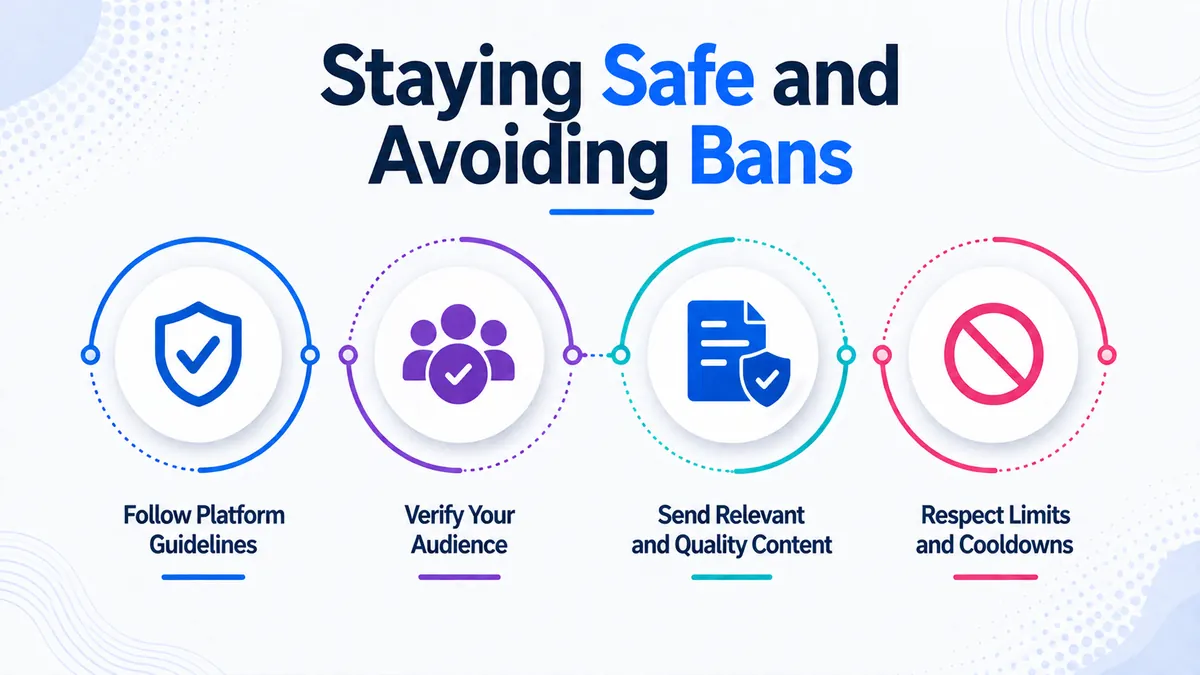
The safest setup is simple: use a real, paid number, activate it once, and avoid free public services entirely. By design, WhatsApp links each account to a single phone number, as its Wikipedia entry details — which is exactly why a dedicated virtual line keeps yours healthy.
Keep your six-digit code private, since anyone with it can hijack your registration. Turn on two-step verification inside WhatsApp for a second layer, and never share your WhatsApp verification number code with a "support agent" — WhatsApp never asks for it. Those habits keep your account yours.
Conclusion
A virtual number for WhatsApp solves the exact problem free numbers create: it verifies cleanly on the first SMS, stays dedicated to you, and keeps your real number private. You now know how the numbers work, why first-attempt delivery decides everything, what a fair price looks like, and how to activate one step by step. A real, mobile-tagged number is the difference between a working account and a banned one. That knowledge puts you ahead of anyone still fighting a flagged free line.
Whether you want a second account, a WhatsApp Business profile, or simple privacy, the setup takes only minutes from any device. Pick your number, verify on the first try, and start messaging with your personal digits safely out of view. A dependable us number for WhatsApp travels with you across every border and time zone. Claim yours below and get on WhatsApp the clean way today.
Your private WhatsApp line is minutes away — download the app and activate it now.
Run a second or business WhatsApp with a real number, verified on the first SMS and kept fully private.