If you want to stop spam calls, the good news is that your phone already has the tools to do it. This guide shows you exactly how to stop spam calls on iPhone and Android, step by step, using free built-in settings. Spam calls waste your time, drain your battery, and often hide scams that put your money and data at risk. Read on and you will learn every setting, carrier tool, and smart habit that shuts these calls down for good.
Key Takeaways
- US phones got about 52 billion robocalls in 2025, so the flood is real and worth fighting.
- iPhone and Android both have free settings that block spam calls and route them to voicemail.
- Free carrier tools like Scam Shield, Call Filter, and ActiveArmor add a second layer of defense.
- Blocking one number rarely works because spammers spoof a new one every time they call.
Why Spam Calls Keep Coming

Spam calls keep coming because they are cheap to send and easy to profit from. Auto-dialers can ring millions of numbers a day for almost nothing, so even a tiny response rate pays off. In 2025 alone, US phones received roughly 52 billion robocalls, and scam-related calls made up about a third of them.
Most of these calls also fake, or "spoof," their caller ID so the number looks local and familiar. That is why you cannot simply block your way out of the problem one number at a time. To truly stop spam calls, you need to combine on-device filters, carrier protection, and a private number spammers cannot reach.
How to Stop Spam Calls on iPhone
Apple builds several layers of protection right into iOS. You do not need any extra app to stop spam calls on an iPhone, just a few settings toggles. Here is how to set each one up.
Block an Individual Caller
Open the Phone app and tap Recents. Tap the small info icon next to the number you want gone, scroll down, and choose Block this Caller. This is the quickest way to stop spam calls from a specific line you already know.
Silence Unknown Callers
Go to Settings → Apps → Phone → Silence Unknown Callers and turn it on. Any number not in your contacts, recent outgoing calls, or Siri suggestions goes straight to voicemail without ringing. Real callers can still leave a message, so you lose nothing important.
Screen Unknown Callers on iOS 26
Newer iPhones add live call screening. Open Settings → Apps → Phone → Screen Unknown Callers and pick Ask Reason for Calling. Your phone stays silent while it asks the caller to say who they are, then shows you their answer so you decide whether to pick up.
Silence Calls With a Focus Mode
For total quiet during work or sleep, open Settings → Focus and set up Do Not Disturb to allow calls only from your Contacts or Favorites. Everyone else is silenced on a schedule you choose, which is a simple way to stop spam calls at night without touching your everyday settings. You can even set it to auto-turn on at bedtime so no robocall ever wakes you.
How to Stop Spam Calls on Android
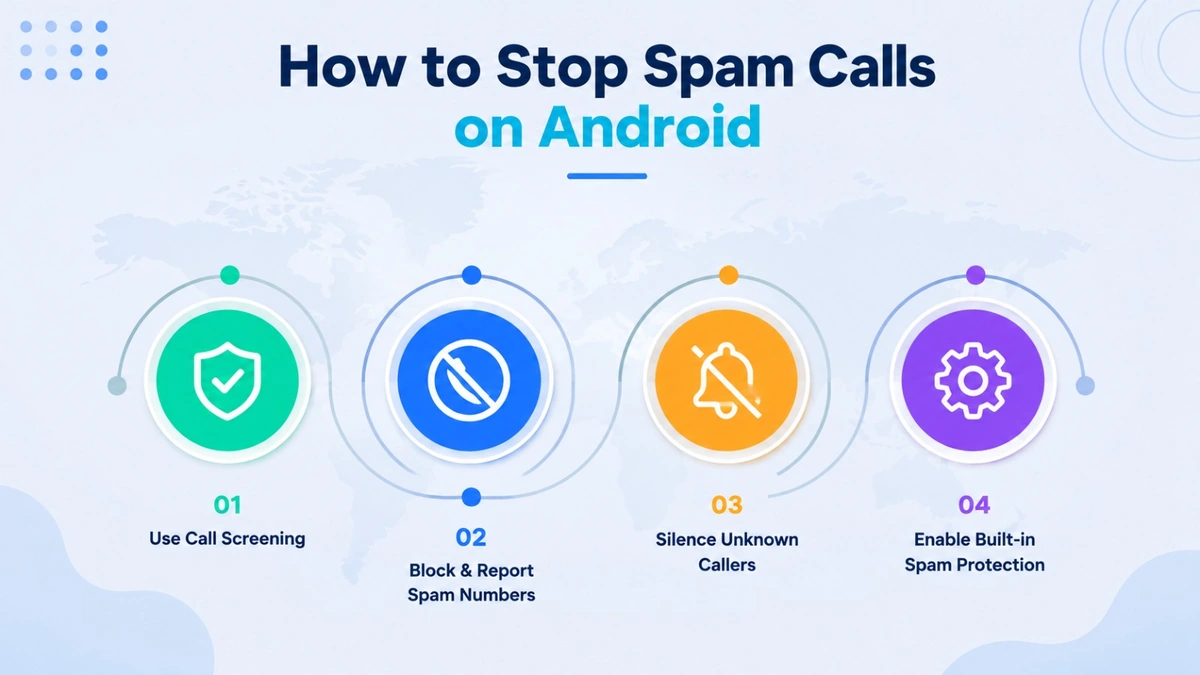
Android phones with the Google Phone app include strong, free spam protection. The exact menu wording varies slightly by brand, but the steps below work on most Pixel, Samsung, and stock Android devices to stop spam calls.
Turn On Caller ID and Spam Protection
Open the Phone app, tap the three-dot menu, and choose Settings → Caller ID & spam. Turn on See caller & spam ID so your phone labels suspected spam before you answer. On Samsung phones, look for Caller ID and spam protection in the same menu.
Filter Spam Calls Automatically
In that same menu, switch on Filter spam calls. Suspected spam then skips the ring and the notification entirely and lands quietly in your call history. This one toggle is the single best way to stop robocalls on most Android phones.
Block and Report a Number
To kill a specific caller, open Recents, long-press the number, and tap Block / report as spam. Reporting the number also helps Google refine its filters, so you help everyone stop spam calls a little better each time.
Give Out a Number, Not Your Real One
A private virtual number keeps your personal line off spam lists so fewer robocalls ever reach you.
Carrier Tools to Block Spam Calls
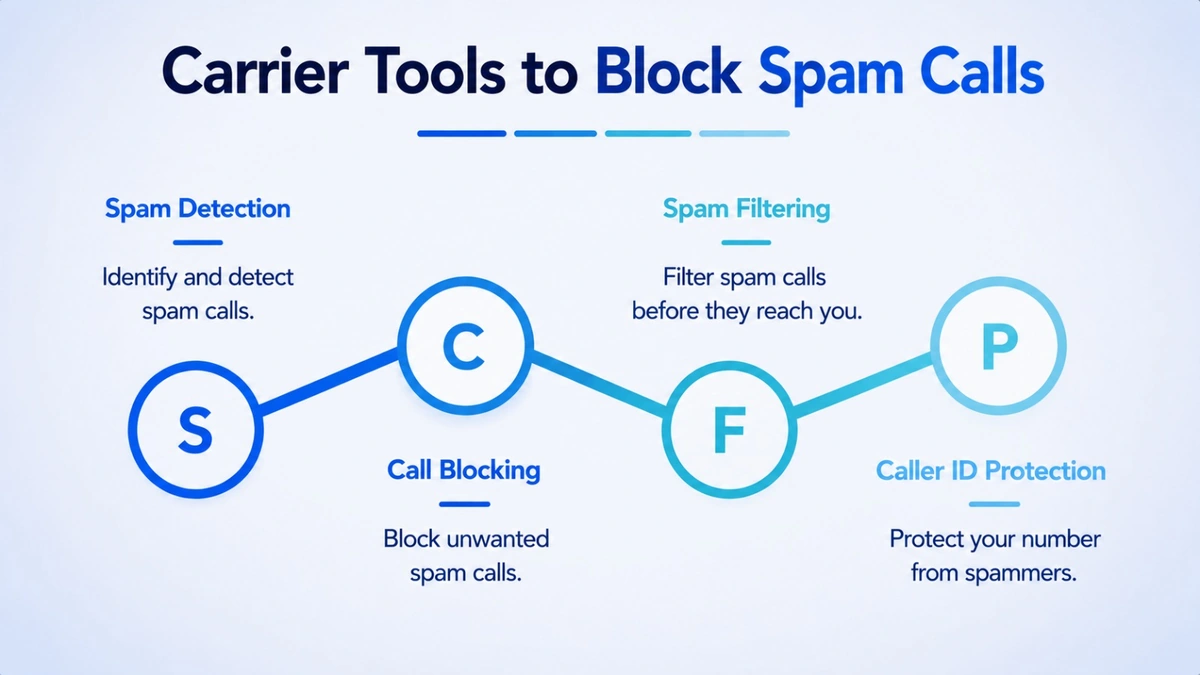
Your carrier fights spam at the network level, before a call even reaches your phone. Every major US carrier offers a free tier, with a paid upgrade for extra control. Here is how the three biggest options compare.
| Carrier Tool | Free Tier | Paid Upgrade |
|---|---|---|
| T-Mobile Scam Shield | Scam ID labels, Scam Block, free caller ID | $4/mo: block by category, send scams to voicemail |
| AT&T ActiveArmor | Automatic fraud blocking, spam alerts, block list | $7/mo: adds VPN and identity monitoring |
| Verizon Call Filter | Spam detection, alerts, auto-block by risk | $3.99/mo: caller ID, spam meter, block by type |
These carrier tools lean on caller ID authentication, the "Scam Likely" and "Spam Risk" labels you see on screen. That warning is powered by a system called STIR/SHAKEN, which checks that a caller ID is genuine and not spoofed before the call reaches you. When the label warns you, trust it and let the call ring out.
Turn on your carrier tool even if it is only the free tier. Paired with your phone settings, it forms a strong second wall that helps you stop spam calls the moment they hit the network. You can also flag spoofed toll-free lines like the ones in our toll-free numbers guide.
Why Blocking Alone Is Not Enough
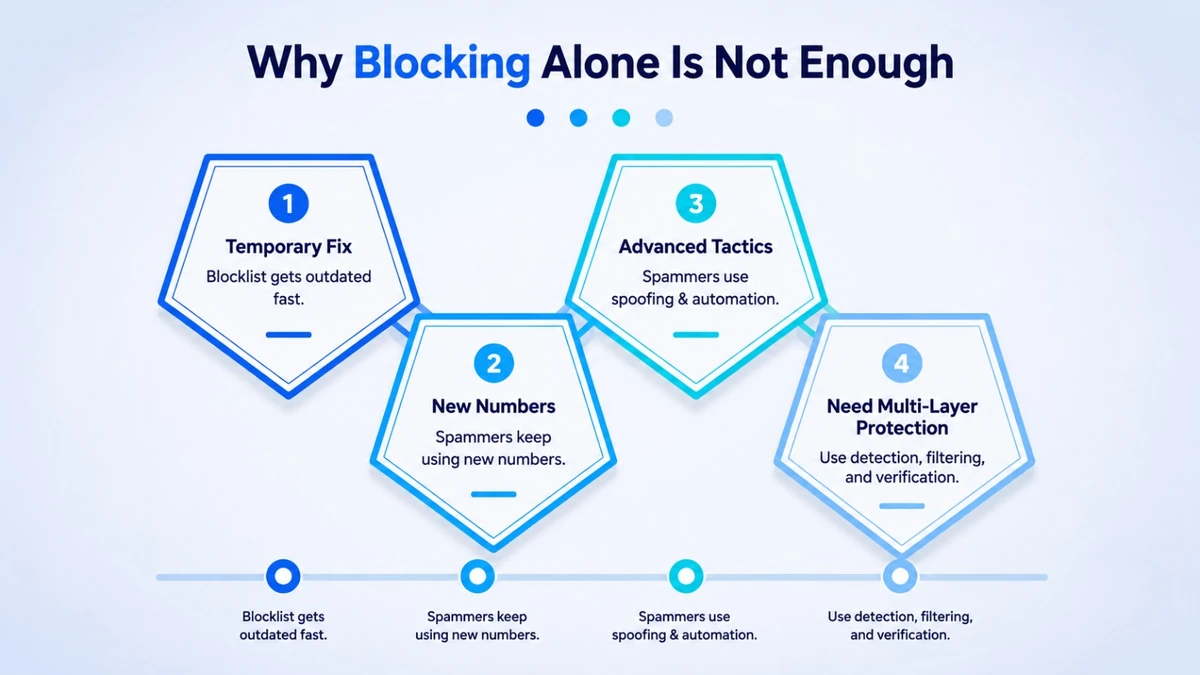
Here is the honest truth most guides skip: blocking a single number rarely stops the calls for long. Spammers use software that spoofs a fresh caller ID for every call, so the one you blocked yesterday is already a new number today. That is why a layered plan works far better than chasing numbers one by one.
Combine Filters, Carriers, and the Registry
Stack your defenses instead of relying on any single trick. Keep your on-device filter on, add your carrier tool, and register your number free at the National Do Not Call Registry (donotcall.gov). The registry, backed by federal robocall rules from the FCC guidelines, makes legitimate telemarketing calls illegal after 31 days.
Stop Giving Spammers Your Number
Most spam starts when your number leaks. Every giveaway form, store sign-up, and data broker adds your line to a list that gets bought and dialed. The strongest way to stop spam calls at the source is to stop handing your real number to everyone who asks — see our business vs personal number guide for how to keep one line completely private.
Report Every Spam Call You Get
Reporting takes only seconds and makes the whole system smarter. When you mark a call as spam, your carrier and phone maker feed that signal back into their filters, so the next person is protected too. File repeat offenders with the FTC at reportfraud.ftc.gov, and you help everyone stop spam calls closer to the source instead of one phone at a time.
How to Get a Virtual Phone Number from CallMama
A virtual number is the cleanest way to keep spam away from your real line. CallMama gives you a private second number with built-in caller ID and call screening, so you can hand out the virtual one and keep unknown callers off your personal phone. Here is how to set one up with CallMama.
Visit the Website or Download the App
Get the CallMama app from the App Store or Google Play, or sign up in your browser.
Create Your Free Account
Register with your email address in under a minute.
Choose Your Plan
Pick monthly or pay-as-you-go pricing that fits how you call and text.
Select Your Number
Choose your preferred country and area code for a fresh, private line.
Activate Instantly
Complete payment and your new number goes live right away.
Turn On Caller ID and Screening
Set up call screening, voicemail, and SMS so only trusted callers get through.
Start Screening With Confidence
Give out your virtual number and keep your personal one for people you trust.
Conclusion
You now have a full plan to stop spam calls on any phone you own. On iPhone, turn on Silence Unknown Callers and screening; on Android, enable Caller ID and Filter spam calls. Layer your free carrier tool on top, register with the Do Not Call list, and you will block spam calls and stop robocalls far more effectively than blocking numbers one at a time. The goal is fewer interruptions and a phone that rings only when it should.
The last piece is keeping your real number private in the first place. A virtual number lets you sign up, shop, and share a line without exposing your personal one to spam lists. Set your filters today, grab a private number, and take back control of your phone. A few minutes of setup now buys you months of quiet, spam-free calls.
Get a Private Number That Spammers Cannot Reach
Download CallMama, claim a fresh virtual number, and screen every unknown caller with confidence.