Introduction
Knowing how to send an international text message saves you from failed texts, surprise charges, and guessing games with foreign numbers. This matters because one wrong digit or a missing country code can stop your message before it ever leaves your phone.
In this guide, you will learn exactly how to send an international text message, what it costs, and the free options worth considering. By the end, you will text anyone abroad with confidence and know how to avoid paying more than you need to.
Key Takeaways:
- To text abroad, format the number as + country code + the local number without its leading 0.
- Standard international SMS usually costs $0.25 to $0.50 per message, billed to the sender, not the receiver.
- Internet apps like WhatsApp send texts abroad for free when both people have the app and a connection.
- A virtual number lets you send and receive local texts in another country without international fees.
What Is an International Text Message?
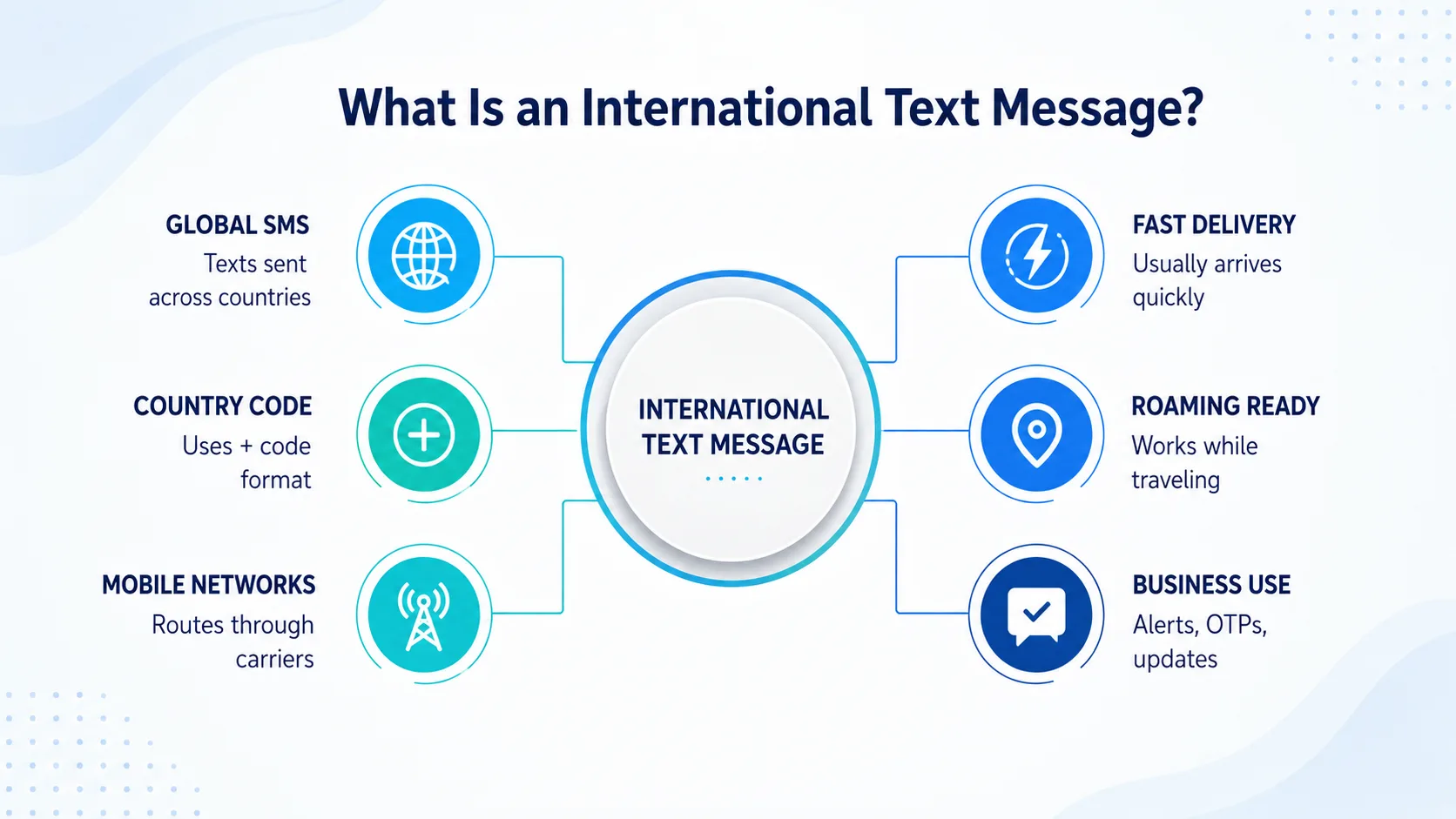
An international text message is an SMS sent from a phone in one country to a number in another. Your carrier hands the message to a network abroad, which is why it usually costs more than a text to someone down the street.
The good news is that the phone in your pocket already supports it. Learning how to send an international text message is less about special tools and more about getting the number format and cost details right.
Every phone that handles regular SMS can text across borders too, as long as your plan allows it and you format the recipient's number correctly.
People search for how to send an international text message for all kinds of reasons — checking on family overseas, coordinating with a supplier, or confirming plans with a friend while traveling. The process is the same in every case, which makes it worth learning once.
It helps to know the difference between an SMS and an app message. An SMS travels over your carrier's network and reaches any phone, even one with no internet. An app message like WhatsApp travels over data and only reaches someone who has the same app installed and online.
Getting the Number Format Right
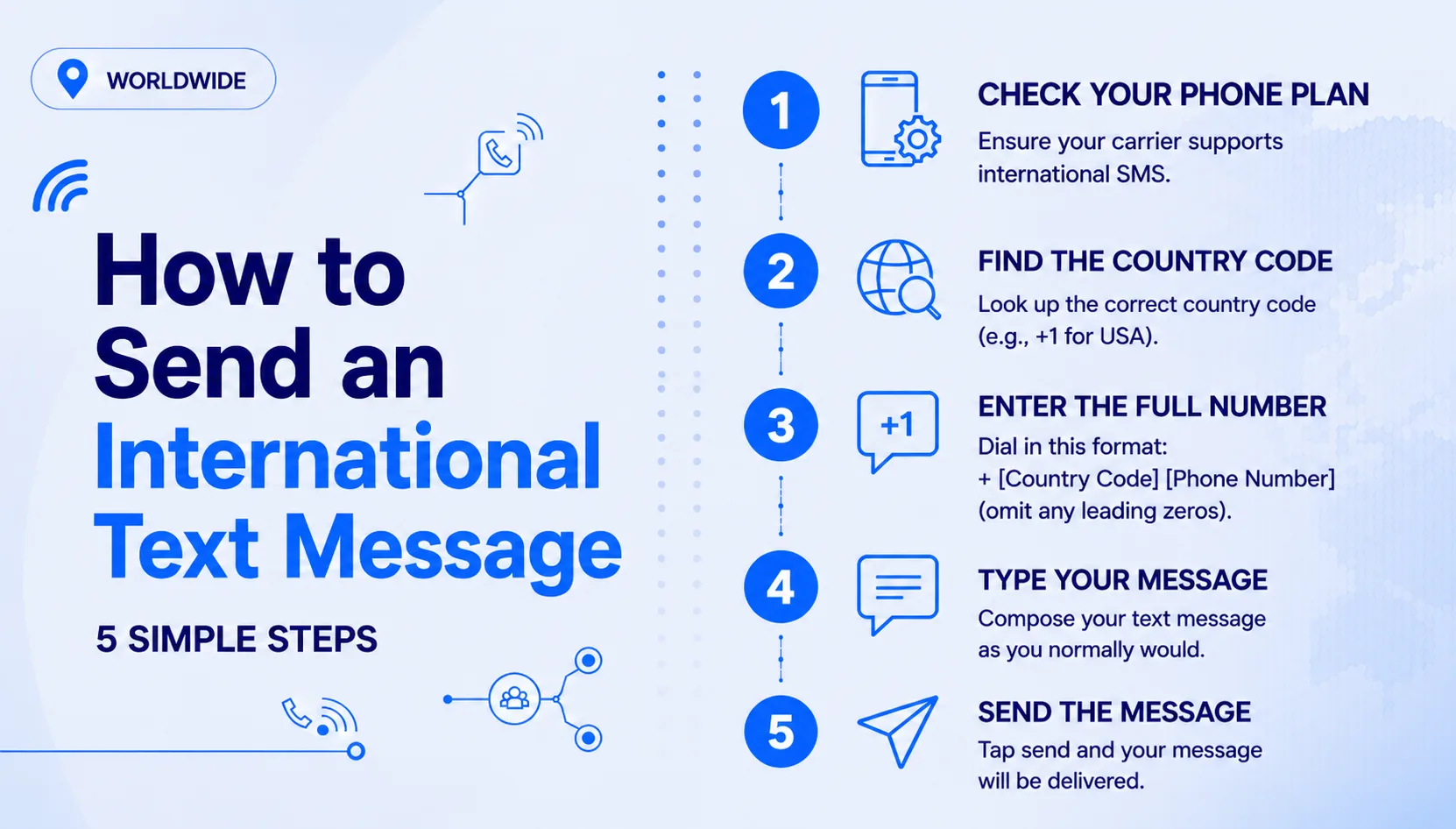
The single most important step in how to send an international text message is the number format. Enter the recipient's number as a plus sign, then the country code, then the local number with its leading 0 removed.
For example, a UK mobile written locally as 07700 900123 becomes +44 7700 900123 for international texting. The +44 is the UK country code, and the leading 0 disappears. For more on how these prefixes work, our guide to country codes breaks down the same rule for other destinations.
Get this format right and your message routes correctly. Get it wrong — by keeping the 0 or skipping the plus sign — and your text abroad will often fail to send.
The plus sign is the key. It tells your carrier that a country code follows, which is what lets the message leave your home network. Typing 00 instead of the plus sign works on many phones too, but the plus sign is safer since it works from almost anywhere in the world.
Step-by-Step: How to Send an International Text Message
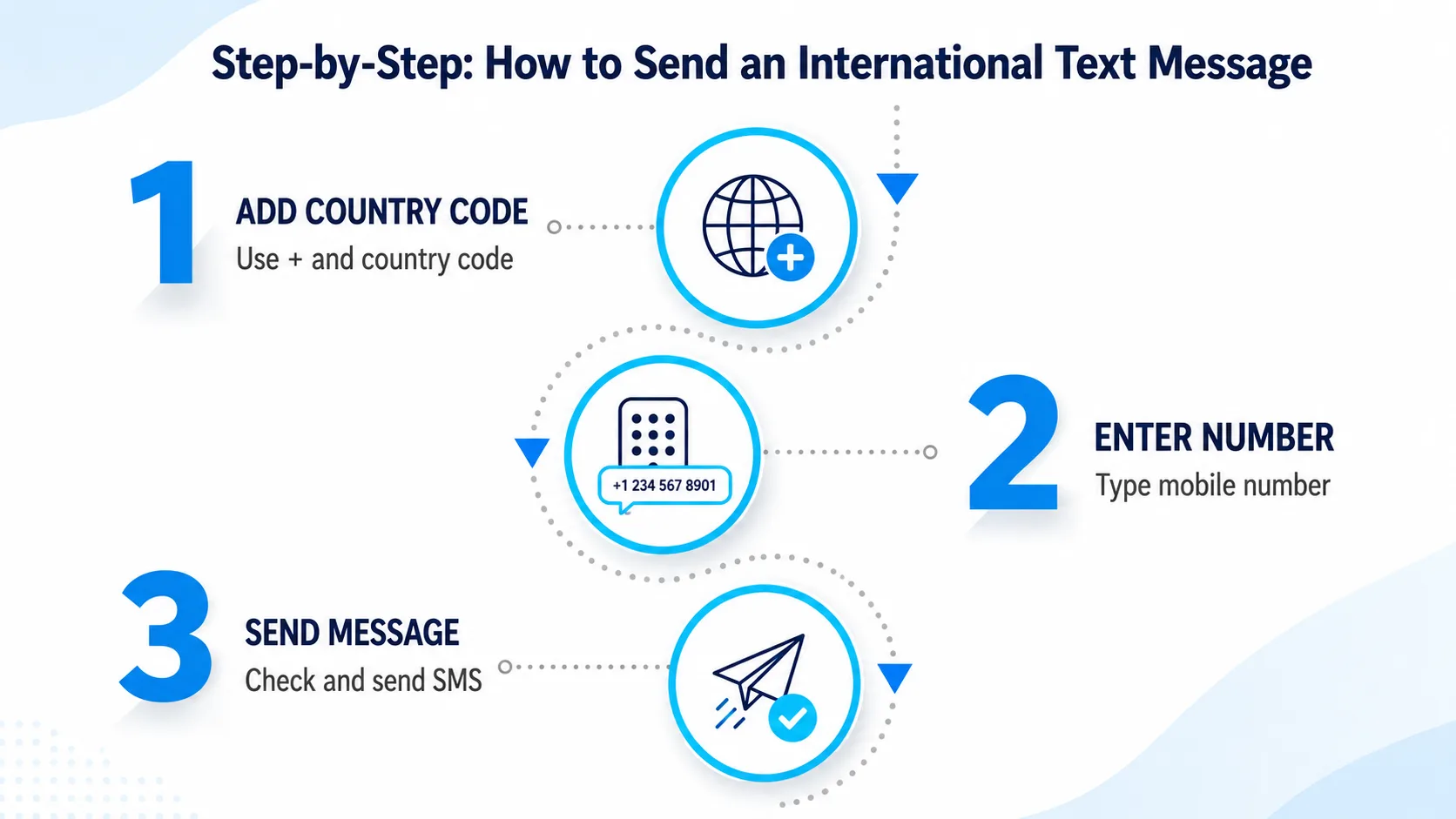
- Open your phone's messaging app and start a new message
- Type a plus sign (+) followed by the recipient's country code
- Add the local number, dropping its leading 0
- Write your message, keeping it under 160 characters to avoid extra charges
- Send it exactly like a normal text and wait for the delivery confirmation
That is the full process for how to send an international text message from any iPhone or Android phone. The steps never change — only the country code in front of the number does.
Save the full international number in your contacts once, and every future text goes out correctly with no extra thought. This is the simplest way to make sure you never resend a message because of a formatting slip.
Texting the same country often?
A virtual local number lets you send and receive texts abroad at local rates instead of paying international SMS fees.
Costs and Free Options Compared
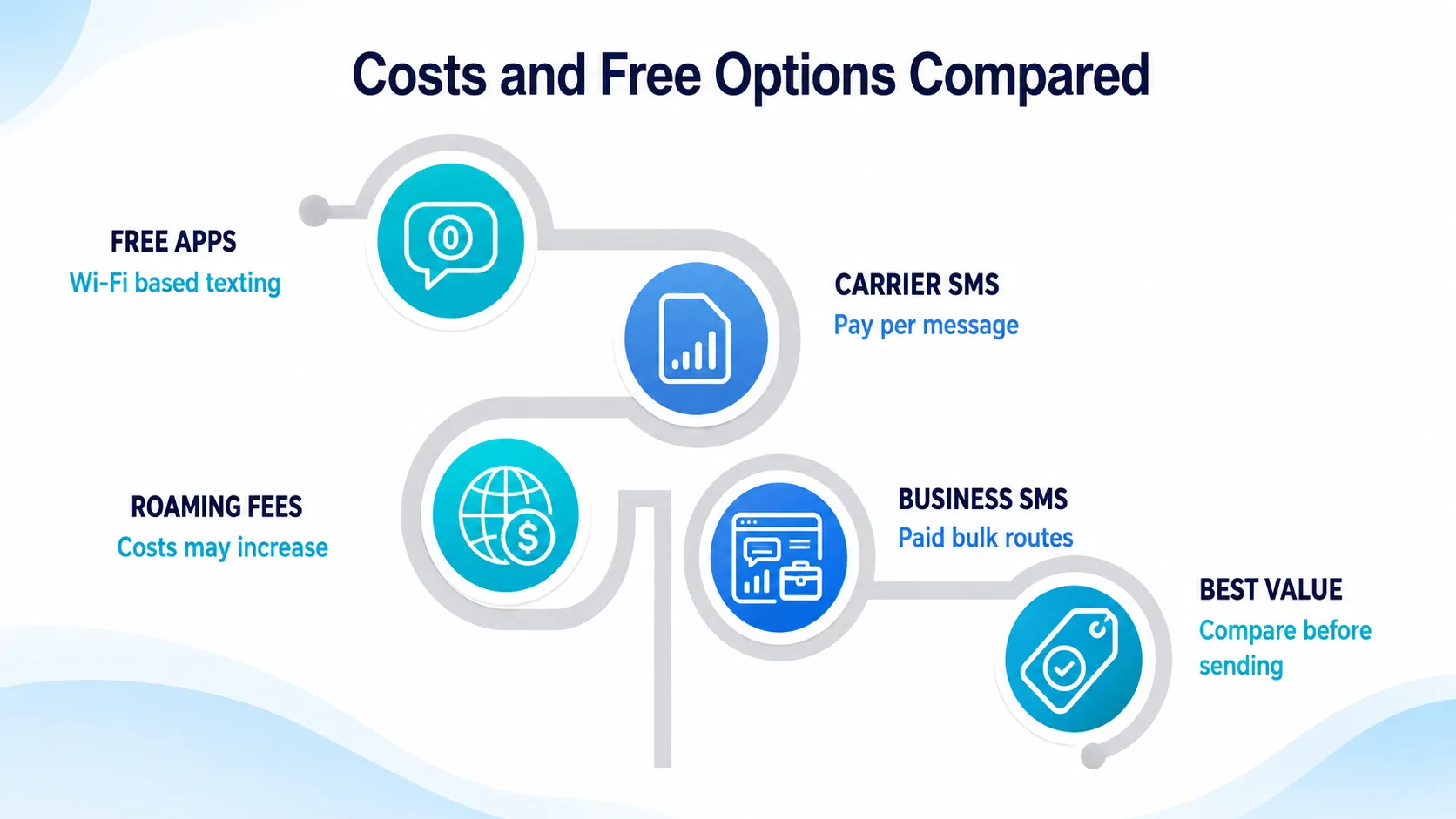
Standard international SMS usually costs between $0.25 and $0.50 per message, and more if you are roaming abroad. The charge falls on the sender, so the person receiving your text is normally not billed.
- Carrier SMS: $0.25–$0.50 per message, works on any phone, no internet needed
- Internet apps: free with WhatsApp or Messenger, but both people need the app and data
- Virtual numbers: local rates in your chosen country, no roaming surcharge
If both people have internet, apps are the cheapest way to text abroad. When the other person has no data or app, standard SMS still reaches any phone, which is why knowing how to send an international text message the traditional way still matters.
Cost also depends on your home carrier and the destination country. A quick check of your plan's rate sheet before you send tells you whether a single text costs a few cents or closer to a dollar, so there are no surprises on your next bill.
Limits to Watch Out For
International texting comes with a few limits worth knowing before you rely on it for something important. None of them stop you from learning how to send an international text message, but they do shape when SMS is the right tool.
- Character limits: SMS bills per 160-character segment, so long texts split into several paid messages
- Delivery delays: messages routed across networks can take seconds or minutes to arrive
- Carrier restrictions: some prepaid plans block international SMS unless you enable it first
- No read receipts: standard SMS rarely confirms the message was actually read
These limits are exactly why many frequent texters switch to a virtual number or an internet app, both of which sidestep per-segment texting charges entirely. If you also need to receive SMS online for verification codes, a virtual number solves both problems at once.
How to Get a Virtual Phone Number from CallMama
CallMama gives you a virtual number in the country you text most, so your messages send at local rates instead of costly cross-border prices. It is ideal for staying in touch with family abroad, running an overseas business line, or avoiding roaming charges while you travel.
Visit the Website or Download the App
Visit callmama.com or download the CallMama app from the App Store or Google Play
Create Your Free Account
Create a free account using your email address
Choose Your Plan
Choose a plan that fits your needs — monthly or pay-as-you-go
Select Your Number
Select your virtual number — pick your preferred country and area code
Activate Instantly
Complete payment and activate your number instantly
Configure Your Settings
Configure call forwarding, voicemail, or SMS settings as needed
Start Calling Instantly
Start sending and receiving texts right away
Your new number is fully active the moment payment is confirmed. There are no long-term contracts — upgrade, downgrade, or cancel at any time.
With a local number in the country you text most, how to send an international text message stops being a question at all — your messages simply go out as local texts. That means no per-segment surcharge and a familiar number on the other person's screen.
Tips for Reliable Delivery
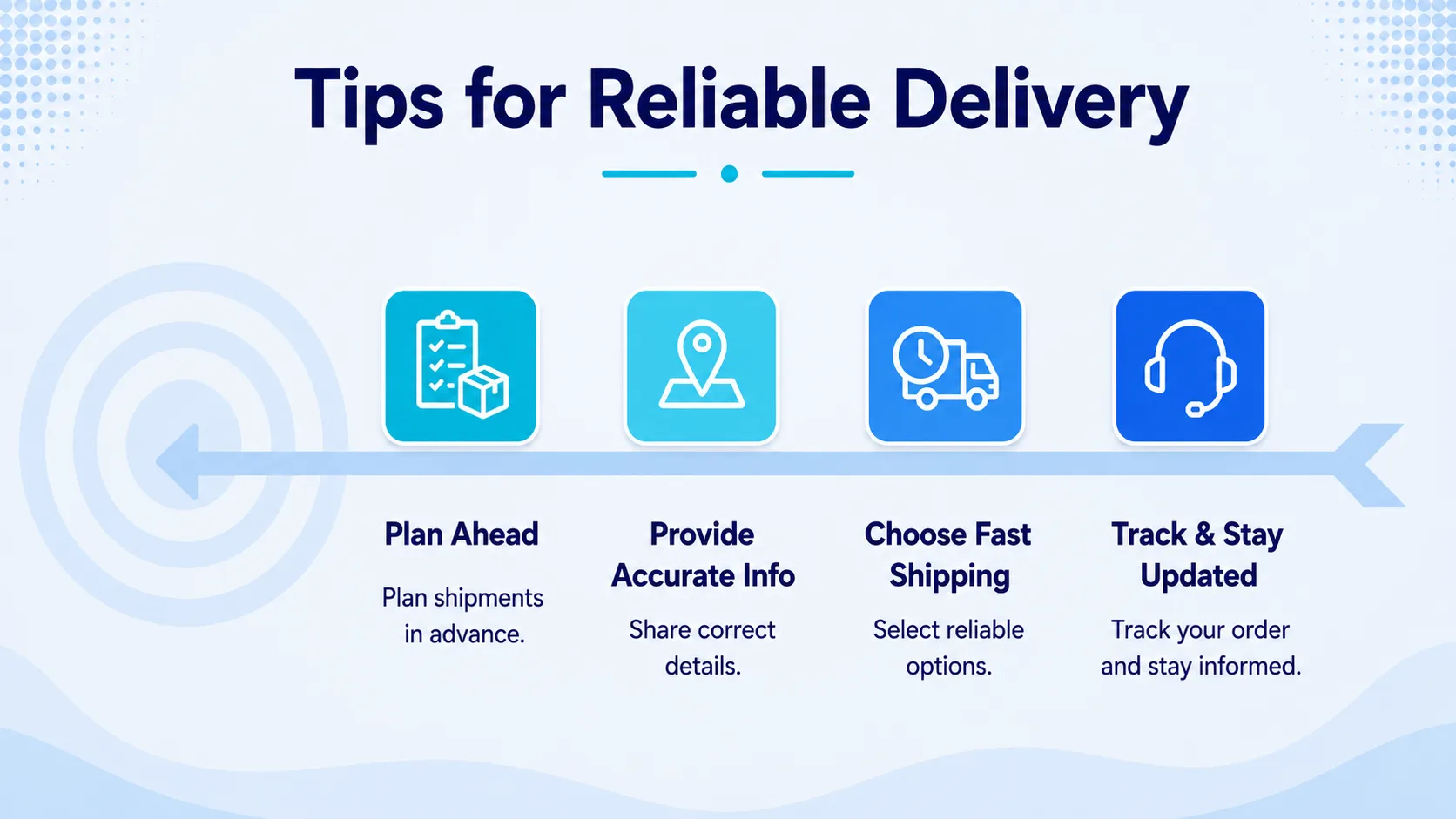
A few small habits make how to send an international text message far more reliable. Always double-check the country code, since a wrong one sends your text to the wrong nation entirely, and a single mistyped digit can quietly cost you a wasted message.
Keep messages short to avoid segment splits, and confirm your plan allows international texting before you rely on it. A virtual number keeps that traffic organized and off your main plan.
According to FCC texting guidance, each message segment holds 160 characters of basic text, which is why longer notes cost more to send abroad.
Conclusion
Learning how to send an international text message comes down to three things: the right number format, the cost you accept, and the limits you plan around. Format the number with a plus sign and country code, drop the leading 0, and your message routes correctly every time.
Standard SMS works on any phone, while apps and virtual numbers offer cheaper paths when they fit your needs. Knowing all three options means you never overpay to reach someone abroad.
As you text across borders more often, small per-message fees and segment splits add up faster than you expect. A virtual number sidesteps that cost, letting you send and receive local texts in another country without international SMS charges. Take the next step and set up a number built for exactly this kind of messaging. Start today and make your next text abroad the easiest one yet.
Ready to text abroad without the fees?
Claim your own virtual number today — local texting rates, instant activation, no roaming surprises.