Getting a second WhatsApp number on one phone is easier than most people think, and you have four solid ways to do it. A second WhatsApp number lets you keep work and personal chats apart, run a small business line, or protect your real number when you meet new people online.
This guide walks through every method — WhatsApp's built-in dual accounts, the free Business app, dual-app cloning, and the virtual number trick that needs no second SIM. Read on and you will pick the right method and set it up in minutes.
Key Takeaways
- Every WhatsApp account needs its own phone number — you cannot split one number into two accounts.
- WhatsApp's built-in dual whatsapp feature now works on both Android and iPhone as of 2026.
- A virtual number adds a second WhatsApp number on one phone with no extra SIM card.
- Linked devices mirror one account across screens — that is not the same as running two separate accounts.
Can You Have Two WhatsApp Accounts on One Phone?
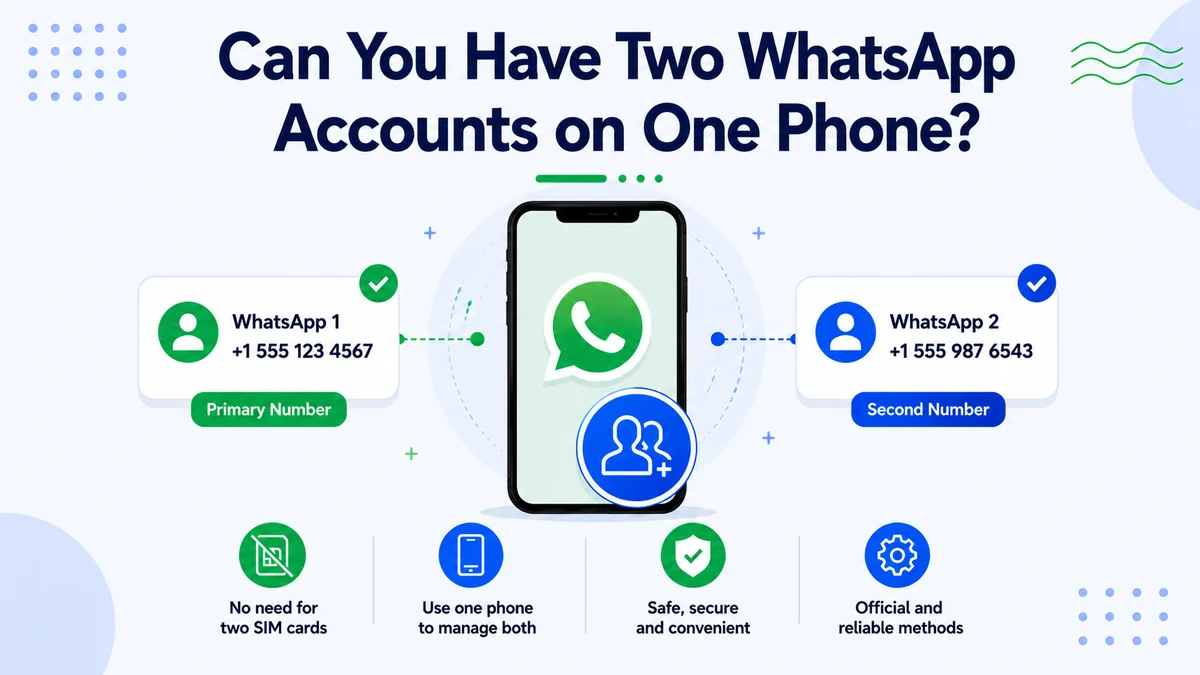
Yes, you can run a second WhatsApp number on one phone, and it is fully supported today. The one rule that never changes: each account needs its own unique phone number. WhatsApp ties a profile to a number, so a second WhatsApp number is the key that unlocks a second account.
That is why the hardest part is usually the number, not the app. Once you have a spare number that can receive a verification code, every method below becomes quick. The rest of this guide shows you both halves — the app method and the number that powers it.
Linked Devices Is Not a Second Account
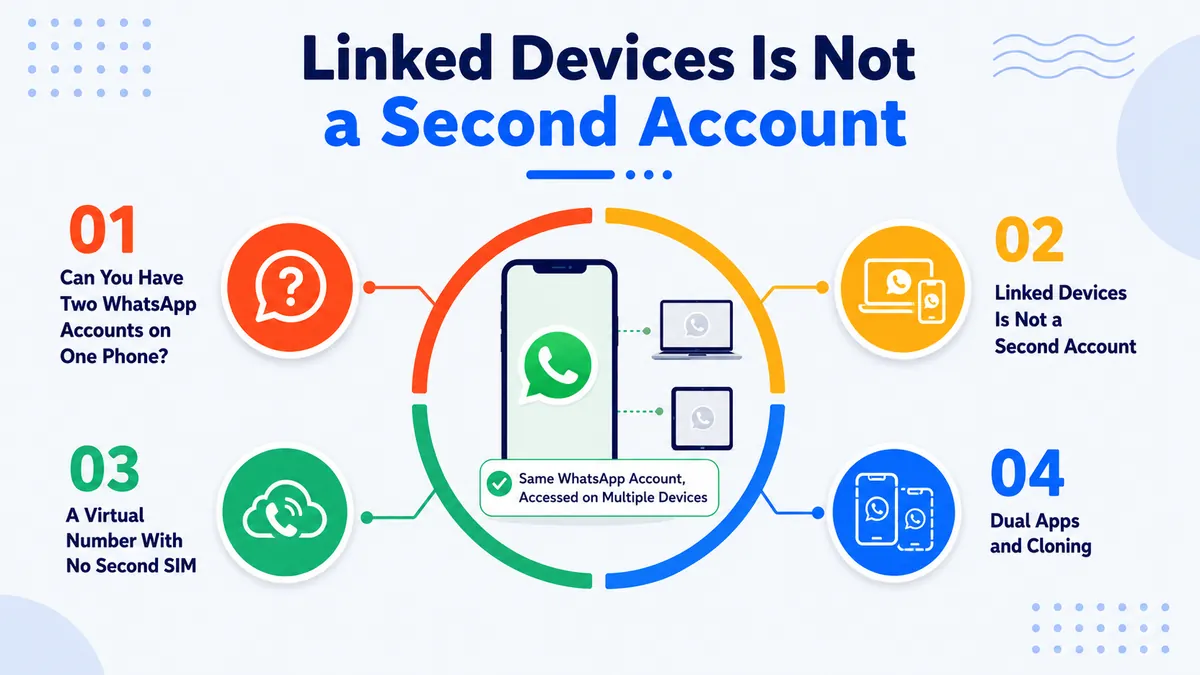
Here is the confusion that trips up most guides. WhatsApp's Linked Devices feature lets one account run on up to four screens at once — a laptop, a tablet, even a second phone through Companion Mode. But every linked device shares the same number and the same chats.
That is mirroring, not multiplying. Linked devices give you one account in more places; a second WhatsApp number gives you a genuinely separate account with its own contacts and conversations. If your goal is two identities on one phone, you need a new number, not a linked screen.
Method 1: WhatsApp's Built-In Dual Accounts
WhatsApp now includes a native way to hold two accounts in a single app. On Android it has worked since 2023, and the same dual-account feature reached the iPhone in the 2026 update, so both platforms are covered.
How to Add a Second Account
- Open WhatsApp and tap Settings.
- Tap the arrow next to your name, then choose Add account.
- Enter your second WhatsApp number and confirm the 6-digit code it receives.
- Switch between accounts anytime from the same Settings menu.
This is the cleanest route because everything lives in one app. The only thing you still need is that second number to verify — which the virtual number method below supplies without a SIM.
Method 2: The WhatsApp Business App
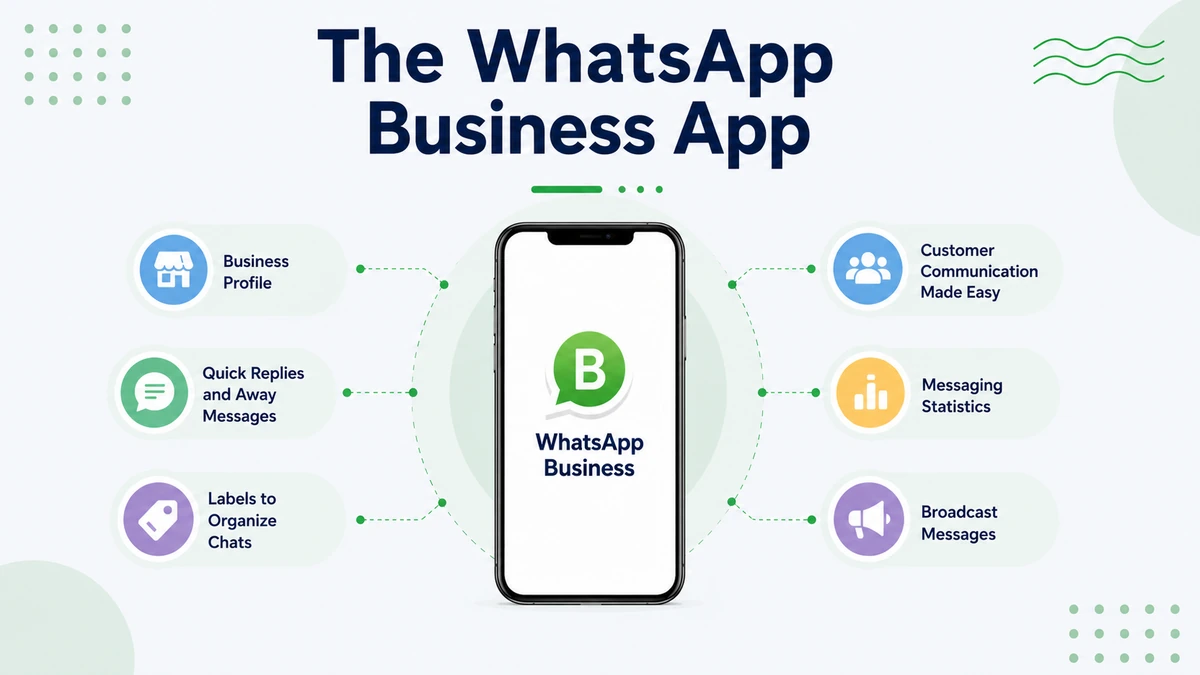
The free WhatsApp Business app installs right alongside regular WhatsApp on Android and runs on its own number. Millions of people use it purely as a tidy second line for work while their personal account stays untouched.
Beyond a second line, it adds business tools: a profile with hours and address, quick replies, greeting messages, and labels for organizing chats. If your second account is for selling, freelancing, or customer contact, this app gives you a professional face for free.
Add a Second WhatsApp Number Without a Second SIM
A virtual number verifies a new WhatsApp account in minutes and keeps your personal line private.
Method 3: Dual Apps and Cloning
Many Android phones can clone an app to run a second copy. Samsung calls it Dual Messenger, while Xiaomi, POCO, Oppo, Vivo, and OnePlus use names like Dual Apps or App Twin. Cloning WhatsApp this way creates a separate instance for a second account.
Look for the feature in your phone's Settings under "Dual Messenger," "Dual Apps," or "App cloning," then toggle it on for WhatsApp. The cloned copy still needs its own number to register, so a second WhatsApp number remains the requirement. This route is Android only — iPhones rely on Method 1 instead.
Method 4: A Virtual Number With No Second SIM
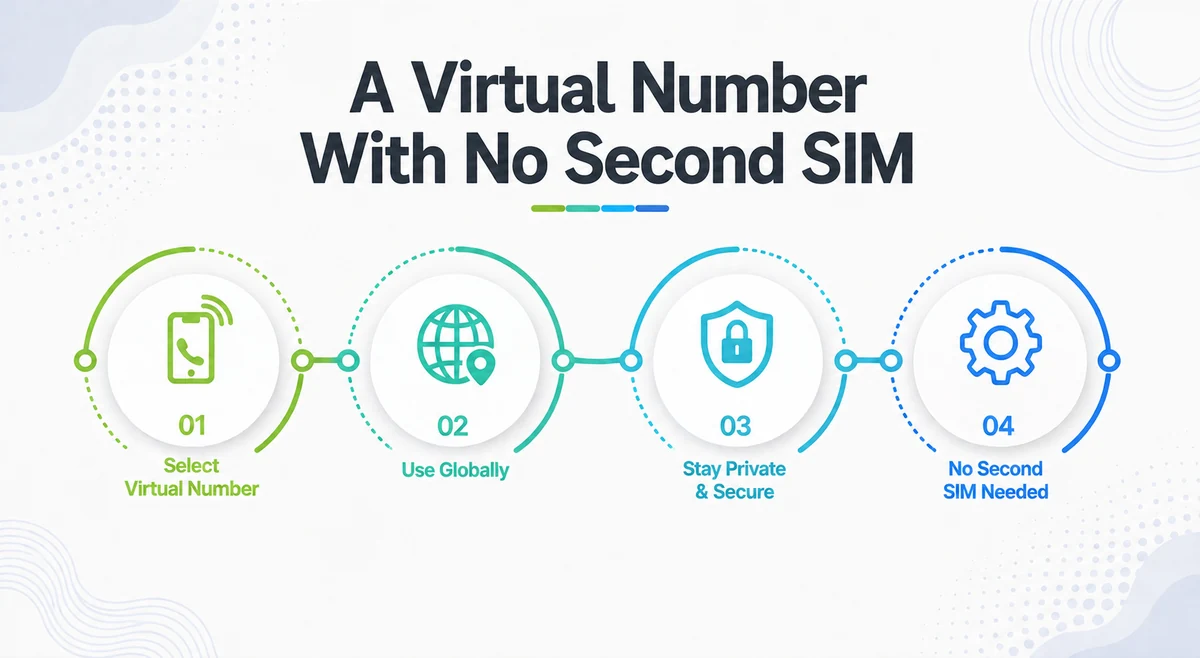
Every method above shares one need: a second number. A virtual number solves it without a SIM tray, an extra phone, or a new carrier plan. WhatsApp only checks that the number can receive its 6-digit code by SMS or voice call — it never inspects a physical SIM.
One warning matters here. Free VoIP numbers from throwaway apps often get flagged and banned within hours, and US numbers face the strictest checks — a limit the WhatsApp Help Center reflects in how it treats one account per number. A real mobile-grade virtual number survives verification and keeps working, which is why it is the reliable path to a second WhatsApp number.
For a deeper walkthrough of the verification step, see our full guide to a virtual number for WhatsApp, and if you want a US line, our USA country code guide explains the +1 format.
How to Get a Virtual Phone Number from CallMama
CallMama gives you a real virtual number that verifies WhatsApp on the first try and works over the internet on any device — no second SIM, no extra phone. It is a clean way to add a second WhatsApp number for business, dating, or marketplace chats while your personal number stays private. Here is how to set one up.
Visit the Website or Download the App
Get the app from the App Store or Google Play, or sign up in your browser.
Create Your Free Account
Register with your email address — it takes under a minute.
Choose Your Plan
Pick monthly or pay-as-you-go pricing that matches how you will use the number.
Select Your Number
Choose your preferred country and area code for a fresh, verification-ready line.
Activate Instantly
Complete payment and your number goes live immediately.
Verify Your Second WhatsApp
Enter the number in WhatsApp's Add account screen and confirm the 6-digit code.
Start Chatting Right Away
Use your new account for work or private chats, all from the same phone.
Which Method Is Best for You?
Each method fits a different need. Use this quick comparison to choose:
| Method | Best For | Needs a Number? |
|---|---|---|
| Built-in dual accounts | Simplest all-in-one setup | Yes |
| WhatsApp Business app | A work or selling line | Yes |
| Dual apps / cloning | Android power users | Yes |
| Virtual number | No second SIM, extra privacy | Provides it |
Notice the pattern: three of the four methods still send you looking for a number. The virtual number method is the only one that also solves that step, which is why it pairs so well with the built-in dual-account feature.
Conclusion
Setting up a second WhatsApp number on one phone comes down to two choices: which app method you use and which number powers it. WhatsApp's built-in dual whatsapp accounts, the Business app, and Android cloning all run two accounts on one phone, and every one of them needs a separate number to work.
Remember that linked devices only mirror a single account, so they are not a true second line. Get the number right and the rest falls into place.
The fastest, cleanest path is a dedicated virtual number that verifies on the first try and keeps your real line private. You can activate one in minutes and pair it with the method that fits your phone.
Whether the goal is a work account, a business front, or a private chat, a second WhatsApp number is now a few taps away. Pick your number today and keep your two worlds neatly apart.
Your Second WhatsApp Line Starts in the App
Download the app, grab a verification-ready number, and run two accounts on one phone today.