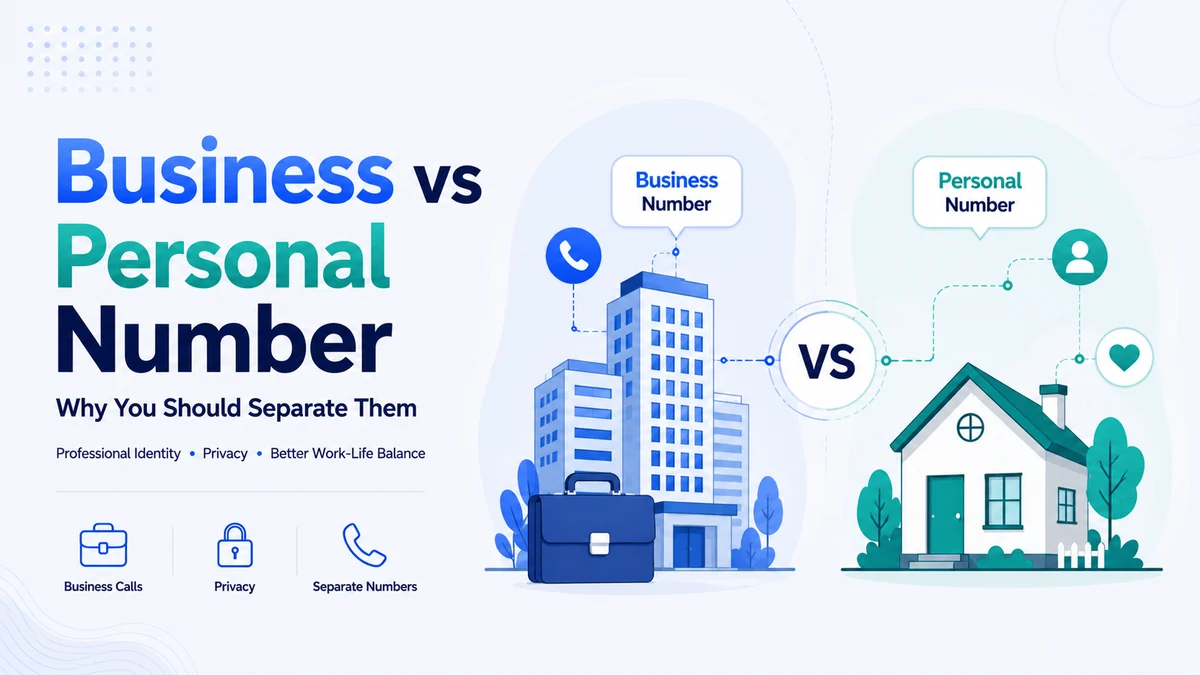
A business phone number app is the simplest way to stop mixing work calls with your personal life on one phone. If clients, suppliers, and marketplace buyers all reach you on your private number, a business phone number app fixes that in minutes without a second handset.
This guide shows you why separating the two lines protects your privacy and your professional image, and how to compare your options. Read on to see which setup keeps your small business looking sharp and your evenings your own.
Key Takeaways
- A business phone number app gives you a work-only line on the phone you already carry.
- A separate business line keeps your personal number private while your calls stay professional.
- Business caller ID and call forwarding lift answer rates and make sure you never miss a customer.
- A virtual app beats a second SIM on cost, flexibility, and setup speed for most small businesses.
Why You Should Separate Business and Personal Numbers
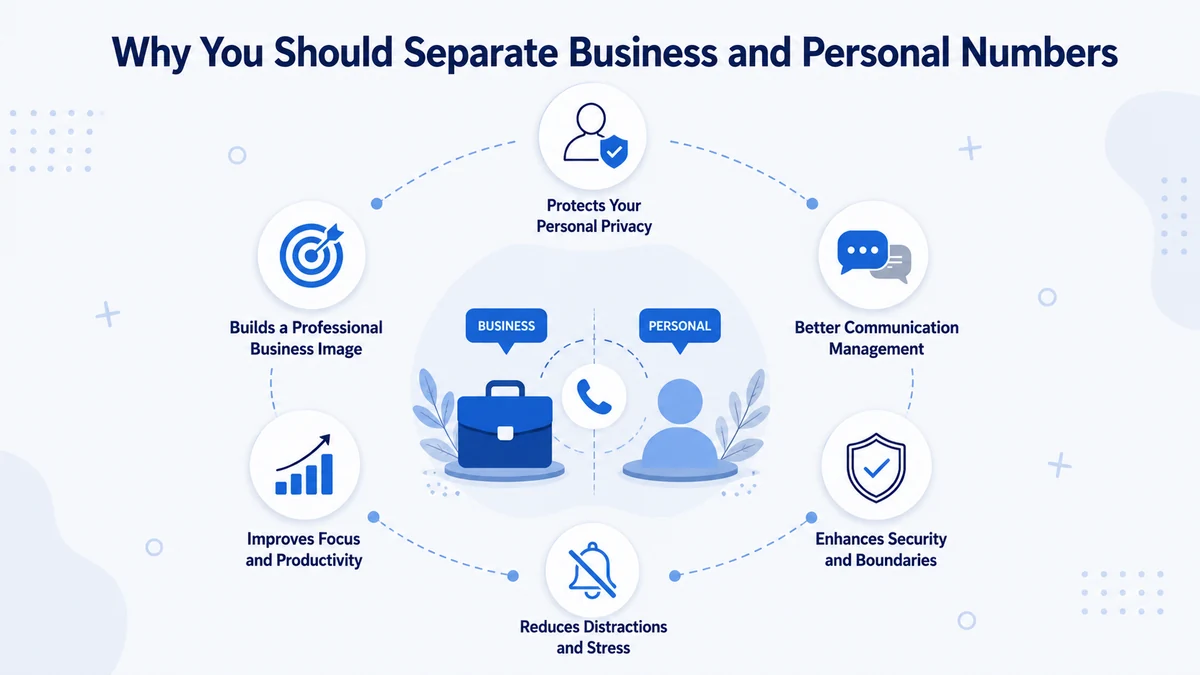
When one number does both jobs, the lines blur fast. A client calls during dinner, a friend texts while you are pitching, and your personal cell becomes your public storefront. A dedicated work line draws a clean boundary so work stays work.
The payoff is real. You look more professional, you protect your private contact details, and you can switch the work line off at the end of the day. For a small business, that separation is the difference between running a company and being on call around the clock.
That is exactly the gap a business phone number app fills. Instead of juggling one overloaded line, you get a second work number on the same phone, ready the moment you need it.
There is no extra device to carry, no carrier visit, and no monthly surprise on your bill — just a clean split between the calls that pay you and the calls that do not.
The Hidden Costs of One Shared Number
Sharing a single number seems simple until the downsides pile up. These are the everyday problems a shared line quietly creates:
- No privacy: every customer, invoice, and online listing exposes your personal number.
- No boundaries: work calls arrive at all hours because there is nothing to switch off.
- Weaker branding: a personal caller ID looks less credible than a real business number.
- Messy records: business and personal calls tangle together, making taxes and follow-ups harder.
- No handoff: when you are away, there is no easy way to forward calls to a teammate.
A dedicated business app removes every one of these problems at once, which is why more founders treat a work line as a day-one essential rather than a nice-to-have. The cost of staying mixed is easy to ignore until a missed call or a leaked number finally forces the issue, and by then the fix is overdue.
What a Business Phone Number App Actually Does
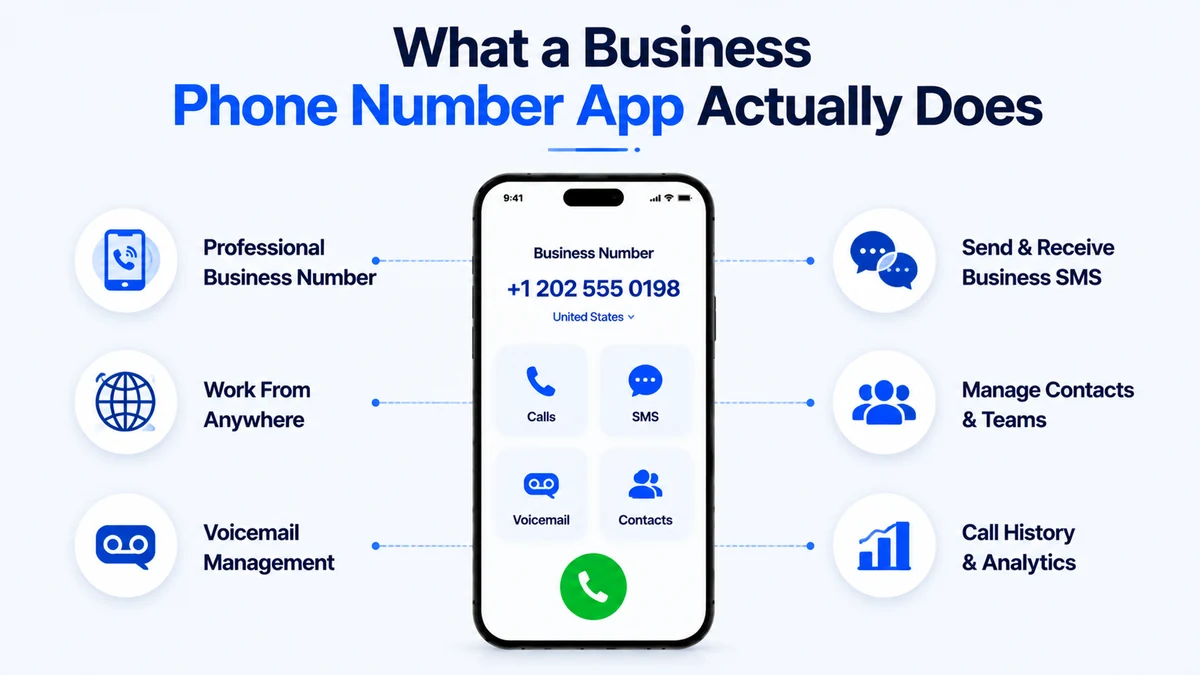
A business phone number app adds a second, work-only number to the phone you already own. It runs over the internet, so there is no extra SIM, no second device, and no new carrier contract. You simply switch between your personal line and your work line inside one app.
Calls and texts to the business number stay separate from your personal ones. You can pick a local area code, set business hours, and route calls exactly how you want. For most owners, a business app replaces a whole desk-phone system at a fraction of the cost.
Give Your Business a Line of Its Own
Add a professional work number to your phone in minutes and keep your personal line private.
Caller ID and Call Forwarding: The Features That Matter
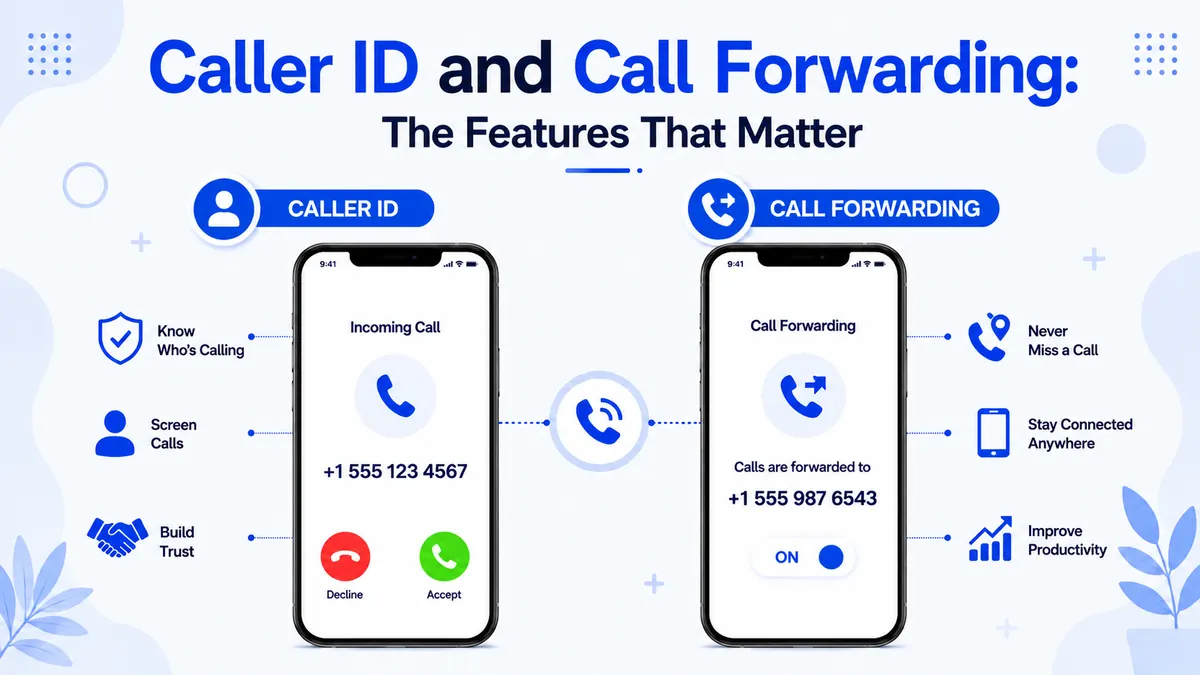
Two features turn a second number into a real business tool: business caller ID and call forwarding. Both come standard in a good business app, and both directly shape how customers see you.
Business Caller ID
When you call out, your business number and name appear, not your personal cell. People are far more likely to answer a recognized local business line than an unknown mobile, so your outreach and callbacks connect more often.
Call Forwarding
Call forwarding sends business calls wherever they need to go: a teammate, a voicemail box, or another number when you are busy. Paired with business hours, it means a customer always reaches someone, and you still get your evenings back.
Beyond those two, a strong business phone number app usually adds voicemail transcription, auto-replies, and simple call analytics.
None of it needs an IT team — you toggle each feature in the app the same way you would flip a setting on any phone. Together they let a one-person operation answer calls with the polish of a much larger company.
Second SIM vs. Business Phone Number App
Buying a second SIM is the old way to get a work line. Here is how it stacks up against a virtual app so you can choose with confidence.
| Feature | Second SIM | Business Phone Number App |
|---|---|---|
| Extra hardware | New SIM, sometimes a phone | None |
| Setup time | Days | Minutes |
| Business caller ID | Rarely | Built-in |
| Call forwarding | Extra cost | Included |
| Business hours routing | No | Yes |
| Works while traveling | Roaming fees | Anywhere online |
For most owners, the virtual app wins on every line that matters. You get a local number with pro features in minutes, instead of a plastic SIM and a second bill.
Cost seals it. A second SIM means another monthly plan and, often, another handset to carry, while a business phone number app rides on the phone and data you already pay for.
You add the number for a small flat fee, keep it as long as you like, and drop it just as easily if your needs change — flexibility a physical line simply cannot match.
How to Get a Virtual Phone Number from CallMama
CallMama is a business phone number app that gives you a professional second line on your current phone, with business caller ID, call forwarding, and voicemail built in. It sets up in minutes, with no SIM and no new hardware. Here is how to get your business number in a few quick steps.
Visit the Website or Download the App
Get the app from the App Store or Google Play, or sign up in your browser.
Create Your Free Account
Register with your email address in under a minute.
Choose Your Plan
Pick monthly or pay-as-you-go pricing that fits your business call volume.
Select Your Business Number
Choose your preferred country and area code so your line looks local to customers.
Activate Instantly
Complete payment and your business number goes live immediately.
Set Up Caller ID and Forwarding
Turn on business caller ID, call forwarding, voicemail, and business hours in the app.
Start Taking Business Calls
Make and receive work calls and texts on your new line, all from your current phone.
Who Needs a Separate Business Line
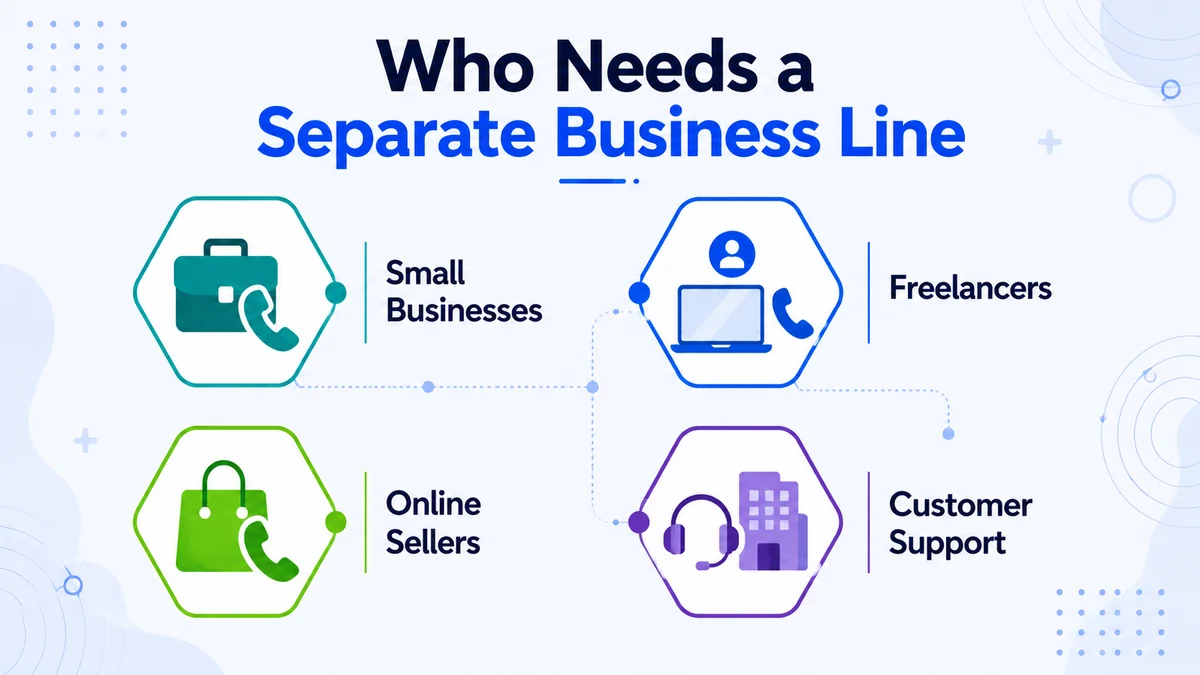
A dedicated work line pays off for anyone whose phone rings for money, not just large companies. It fits a wide range of small operators, and our second line guide shows another way to split work chats:
- Freelancers and consultants keep client calls professional and personal texts private.
- Online sellers list a work number on marketplaces instead of their real cell.
- Tradespeople and home services route jobs to voicemail after hours with business-hours forwarding.
- Side-hustlers test a business idea without giving out their main number.
- Small teams forward one shared business number to whoever is free, backed by the caller-ID rules the FCC guidelines set out.
The common thread is simple: the moment a phone starts earning, a mixed personal line stops being good enough. A business phone number app scales with you too — start as a solo freelancer with one line, then add numbers, teammates, and routing rules as the work grows, all without changing devices or plans.
It costs little to start, so there is rarely a reason to wait until a business is bigger before drawing the line between work and life.
Conclusion
Keeping one number for everything costs more than it saves in privacy, boundaries, and brand. A dedicated business app hands you a work-only line on your current phone, with business caller ID and call forwarding that make a small business look established.
You get a separate business line without a second device, a new SIM, or a desk-phone system. That clean split keeps your work and your personal life apart.
Setting up your line is the fastest business upgrade you can make today. Pick your area code, switch on caller ID and forwarding, and start taking calls in minutes.
Whether you freelance, sell online, or run a growing team, a dedicated business phone number app keeps you professional and reachable. Claim your business number today and keep your two worlds cleanly apart.
Separate Work and Life in a Few Taps
Download the app, activate a business line with caller ID and forwarding, and go professional today.